Your prompt
Replace the brackets with your own content; leave optional ones out.
/scrapbook-paste-up
Brand name = 〔Brand name — your brand name — max 22 chars〕
Website = 〔Website — your website — max 28 chars — optional〕
Note under photo 1 = 〔Note under photo 1 — short note — max 20 chars — optional〕
Note under photo 2 = 〔Note under photo 2 — short note — max 20 chars — optional〕
Note under photo 3 = 〔Note under photo 3 — short note — max 20 chars — optional〕
Title = 〔Title — title — max 28 chars〕
Sentence below = 〔Sentence below — one sentence — max 60 chars〕
Stamp text = 〔Stamp text — Est. year / No. ... — max 9 chars〕
Color = 〔Color — kraft (brown kraft, terracotta) / cream (cream page, blue) / sage (sage page, rust) / midnight (dark album, gold) — optional〕
Brand color = 〔Brand color — #RRGGBB — optional〕
Video shape = 〔Video shape — landscape 16:9 (YouTube, screens) / vertical 9:16 (Reels, Shorts, TikTok) / 4:3 / vertical 3:4 (feed posts) — optional〕
Photo 1 = 〔Photo 1 — square photo 1〕
Photo 2 = 〔Photo 2 — square photo 2〕
Photo 3 = 〔Photo 3 — square photo 3〕
Video size = 〔Video size — 1080p / 4K — optional〕
Not sure? Say: show me an example first
Example
/scrapbook-paste-up
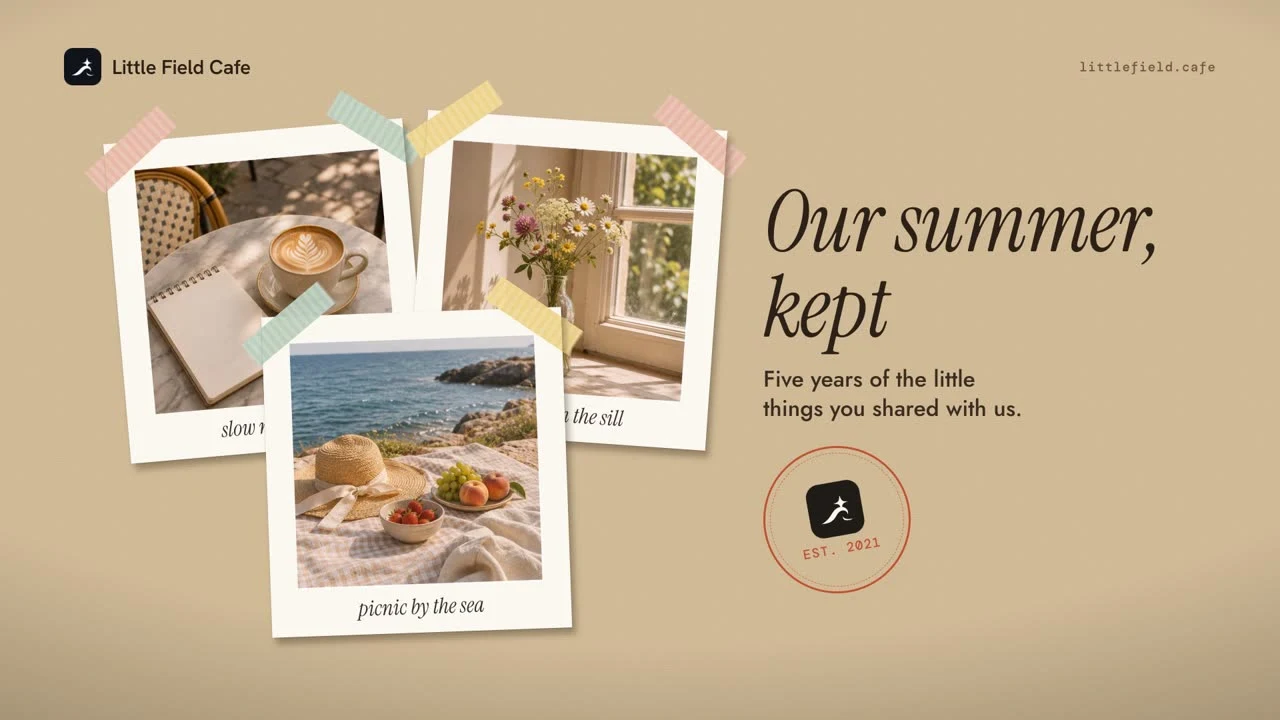
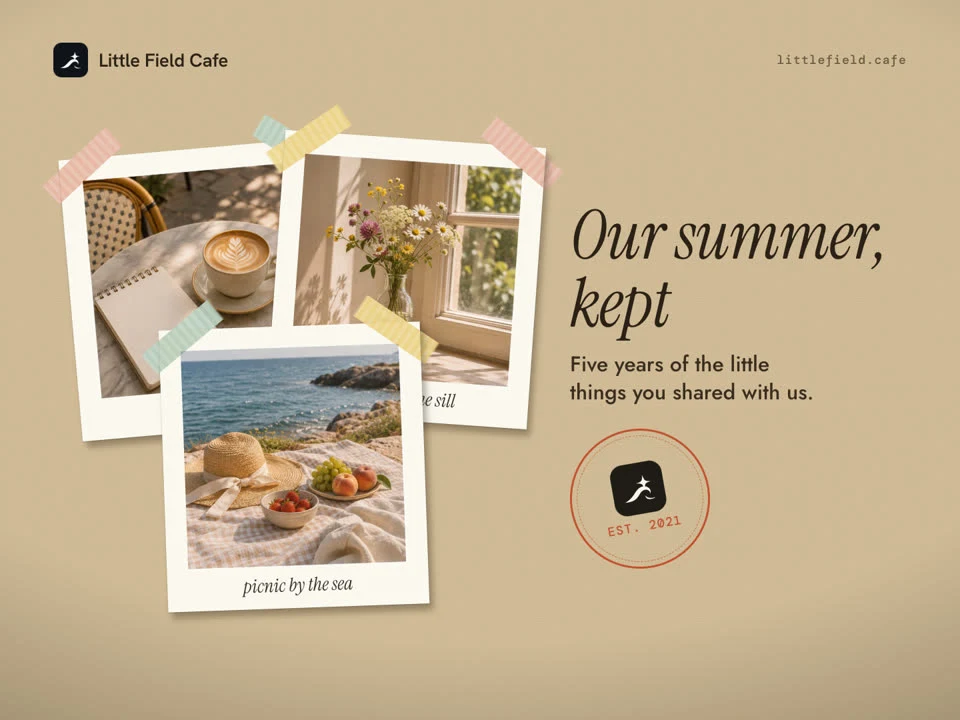
Brand name = Little Field Cafe
Website = littlefield.cafe
Note under photo 1 = slow mornings
Note under photo 2 = flowers on the sill
Note under photo 3 = picnic by the sea
Title = Our summer, kept
Sentence below = Five years of the little things you shared with us.
Stamp text = Est. 2021
Color = kraft
Brand color = #1E3A8A
Video shape = 16:9
Photo 1 = the sample summer photo in the pack
Photo 2 = the sample summer photo in the pack
Photo 3 = the sample summer photo in the pack
Video size = 4K
Scrapbook Paste-Up
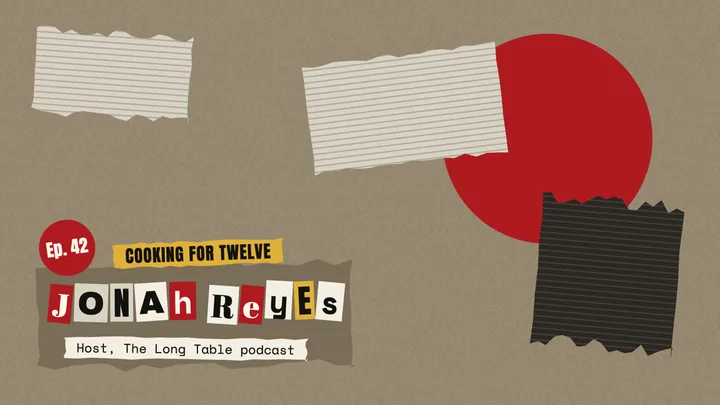
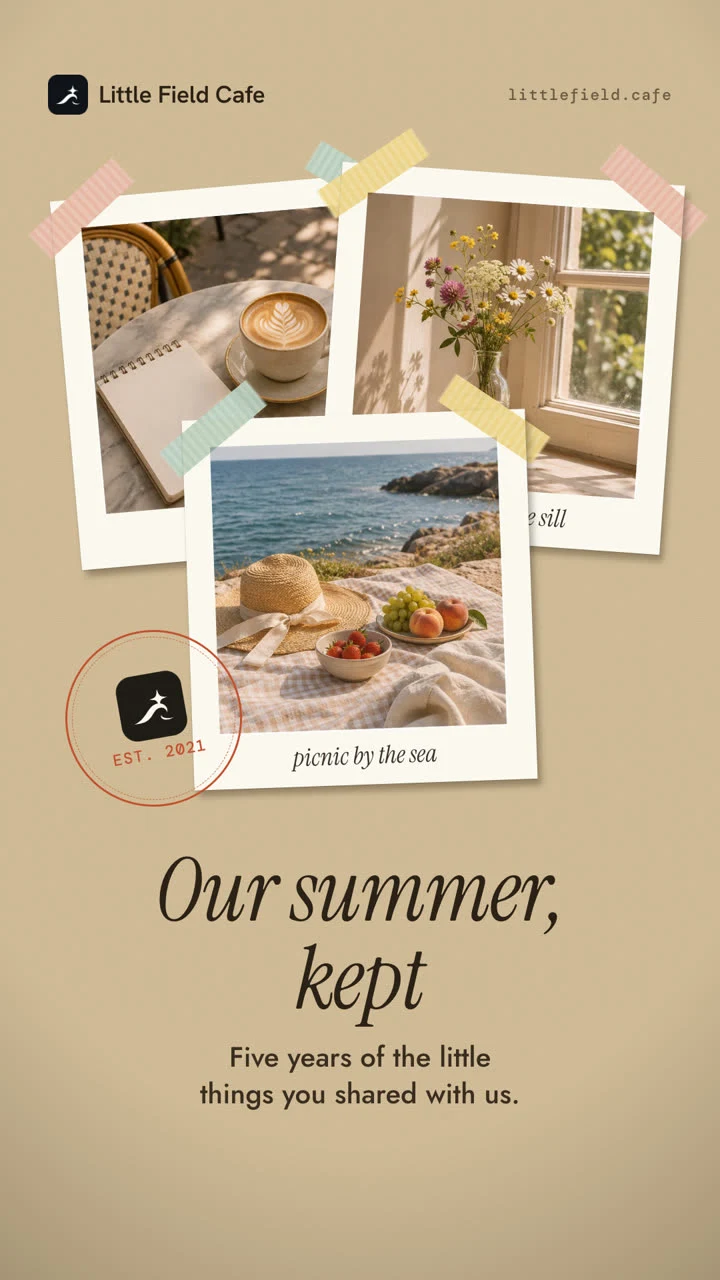
A 9-second clip: three of your photos drop one by one onto a kraft-paper page as white-bordered prints, washi tape presses their corners, your title writes itself in, one line lands and a round brand stamp thumps down. Change the photos, notes, words, paper or brand colour and render 16:9, 9:16, 4:3 or 3:4 in 4K on your own computer.
How it works
- Install the skill · Install guides
- Run your request ·
/scrapbook-paste-up - Review the result
Review the workflow in SKILL.md and use the bundled commands below.
node -vnode scripts/check-setup.mjsnode scripts/create.mjs --out ./demonode scripts/render.mjs ./demo --output ./demo.mp4node scripts/studio.mjs --out .node scripts/create.mjs --out ./my-scene --brand brand/brand.json --data content.json --image photo1=./photo1.jpg --image photo2=./photo2.jpg --image photo3=./photo3.jpg --aspect 16:9 --theme kraft
Workspace
references/check.jsonreferences/defaults.jsonreferences/fill-in.jsonreferences/layout-rules.jsonreferences/studio.htmlreferences/project/index.htmlreferences/studio/shell.htmlscripts/check-output.mjs
What you get
- A 9-second 4K MP4 of your photos being taped into a scrapbook, in 16:9, 9:16, 4:3 or 3:4
- Four paper palettes (kraft, notebook cream, sage, midnight album) plus your brand colour for the stamp
- An editable scene folder, a local Studio page and an automatic fit and layout check
Requirements
- Required · Node.js 22 or newer
- Required · Google Chrome, Chromium or Microsoft Edge
- Required · FFmpeg
Tips
Three of your photos taped into a kraft-paper scrapbook, then your title written in.
Make a 9:16 version for Stories on the notebook cream paper
Use our three wedding photos and change the title to Mara and Theo, June
Before you start
| You provide |
|
|---|---|
| Dependencies |
|
| External costs | No external service cost |
| Last updated | v1.0.1 · |
No additional scope beyond the supplied workflow.