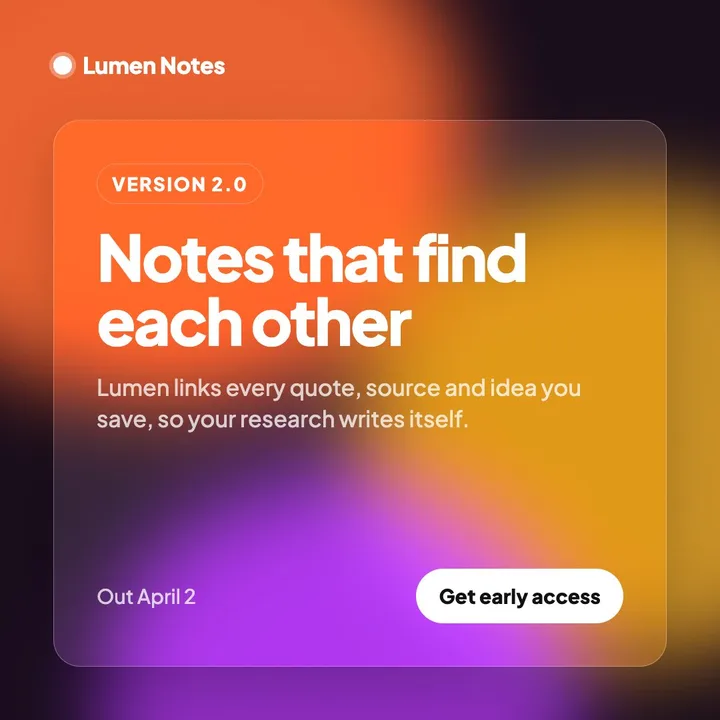
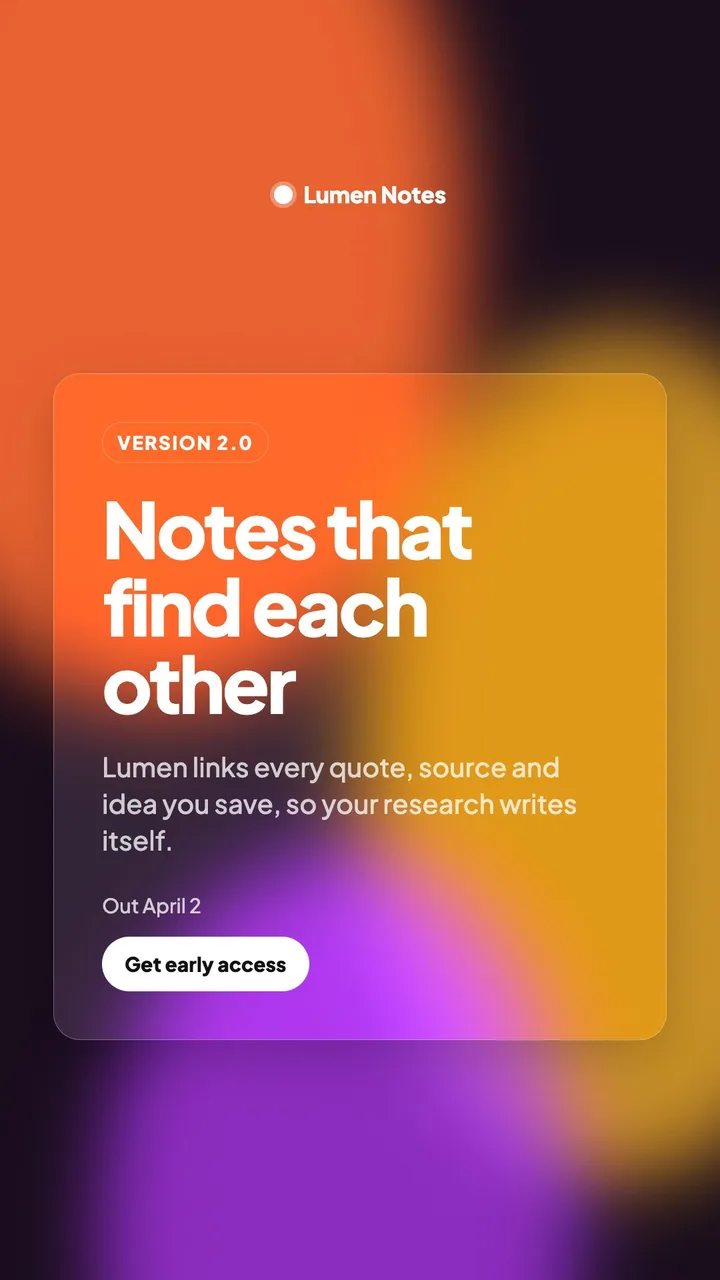
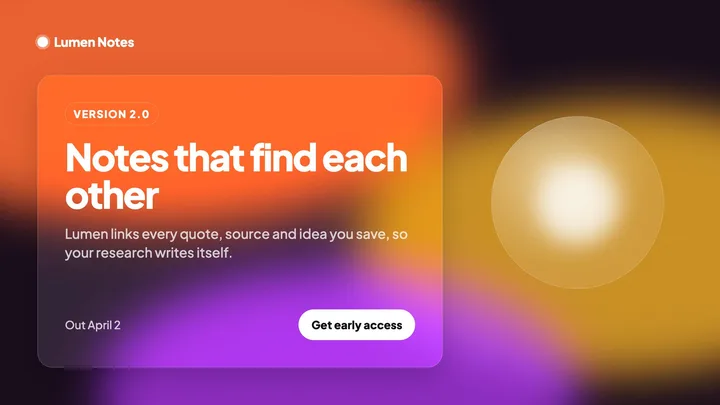
你的提示詞
將括號內的文字換成你的內容;選填項目可以省略。
/aurora-launch-set
Use and size = 〔Use and size — square post 1:1 / portrait post 4:5 / story 9:16 / wide banner 16:9 / 兩種尺寸 — 選填〕
Brand name = 〔Brand name — 最多 40 個字元〕
Headline = 〔Headline — 最多 33 個字元〕
日期與時間 = 〔日期與時間 — 最多 24 個字元〕
上方小字 = 〔上方小字 — 最多 30 個字元 — 選填〕
副標題 = 〔副標題 — 最多 110 個字元 — 選填〕
Button = 〔Button — 最多 20 個字元 — 選填〕
顏色 = 〔顏色 — dark aurora / dark dusk / pale glacier — 選填〕
品牌色 = 〔品牌色 — 選填〕
不知道怎麼填?可以說:先做一個範例給我看
範例
/aurora-launch-set
Use and size = all four
Brand name = Northwind Studio
Headline = Plan a week in five minutes
日期與時間 = March 12, 2026
上方小字 = Now available
副標題 = A calm planner for people who juggle work, family and side projects.
Button = Try it free
顏色 = dark aurora
品牌色 = #1E3A8A
極光發表素材組
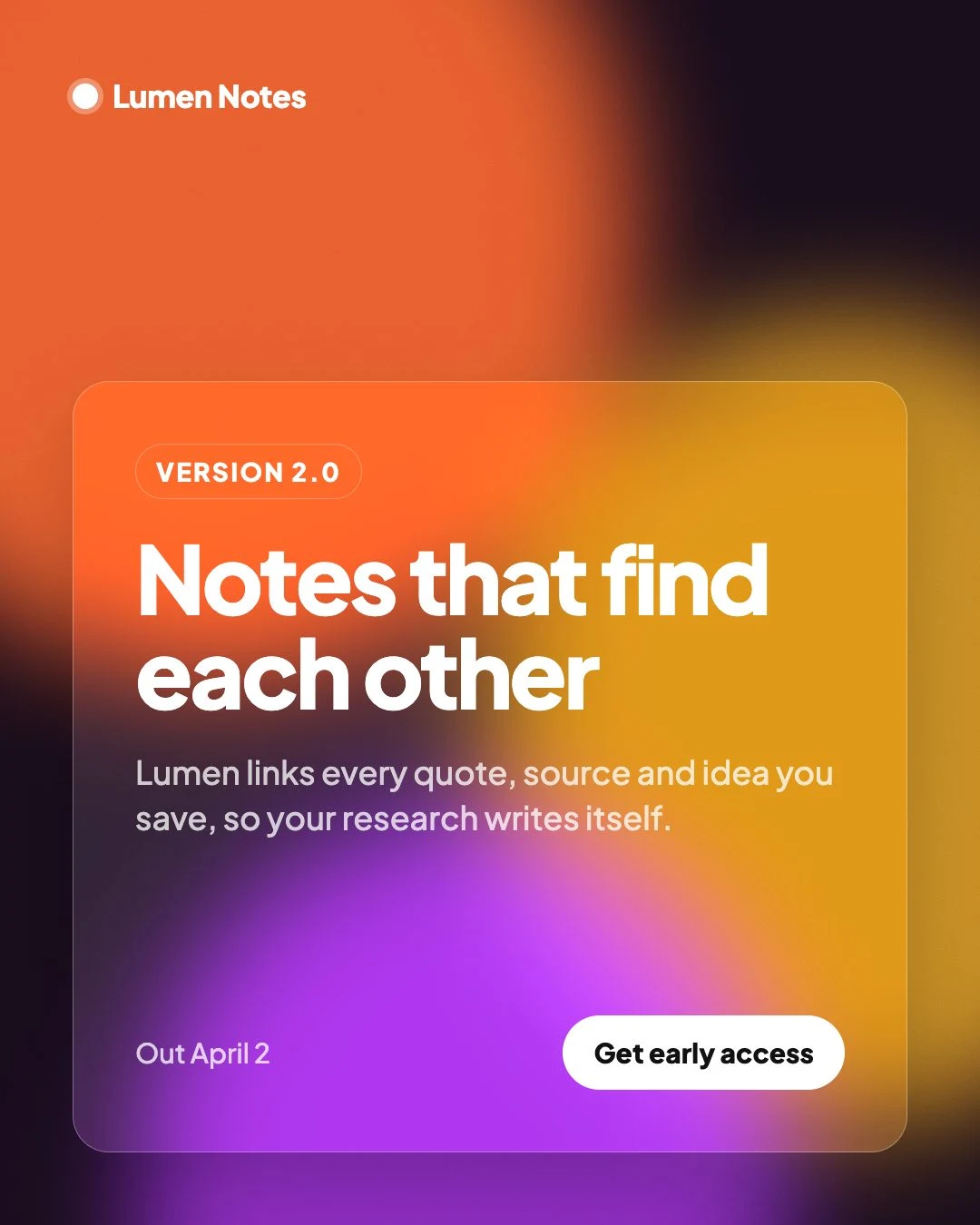
為同一場發表或公告產生正方形、直式、限時動態與橫式圖片,以程式繪製確保文字精確。可修改六個文字欄位,選擇極光、暮色、冰川或品牌色;檢查工具會確認所有文字都在安全區內。
運作流程
- 安裝技能 · 安裝指南
- 執行你的需求 ·
/aurora-launch-set - 檢查成果
先閱讀 SKILL.md 的流程,再使用下方隨包提供的指令。
node -vnode scripts/check-setup.mjsnode scripts/page.mjs slots references/template.htmlnode scripts/page.mjs fill references/template.html --content content.json --out out/index.htmlnode scripts/page.mjs check out/index.html --canvasnode scripts/page.mjs shoot out/index.html --canvas --out out/images
工作目錄
references/fill-in.jsonreferences/template.htmlscripts/check-setup.mjsscripts/page.mjs
你會得到
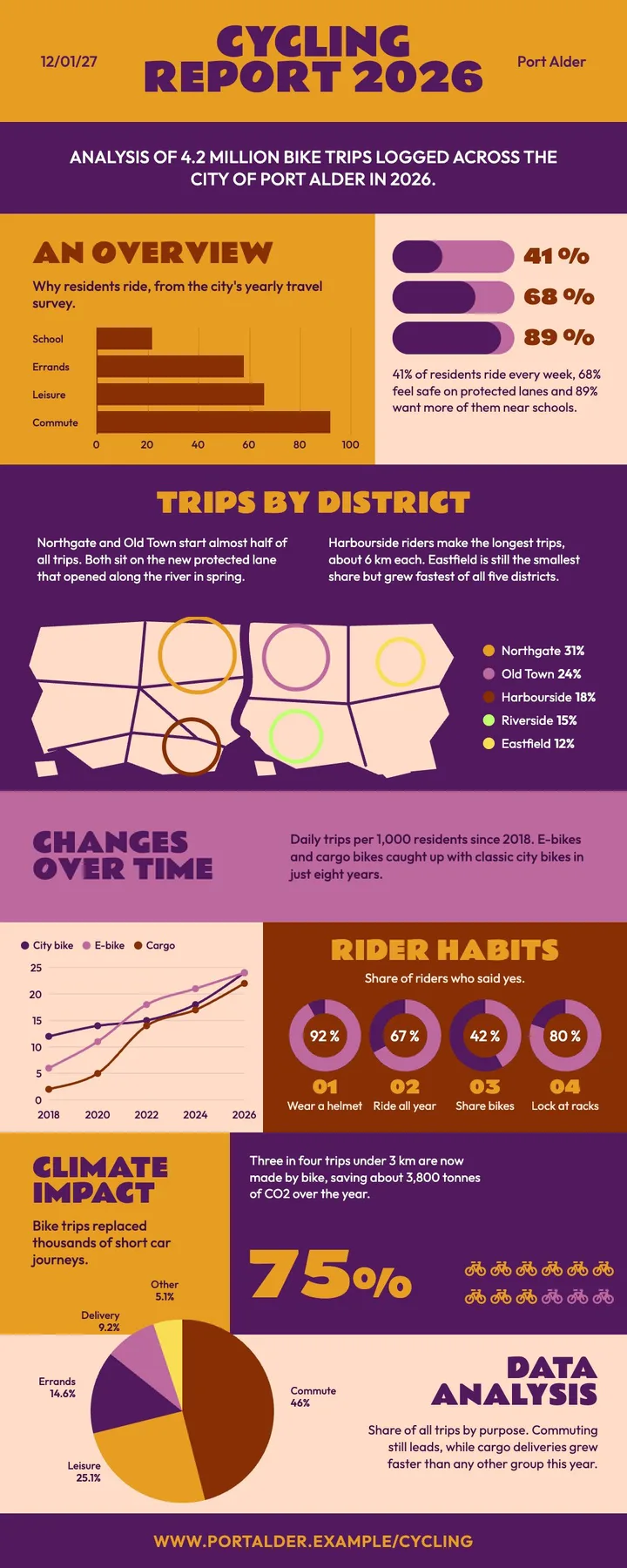
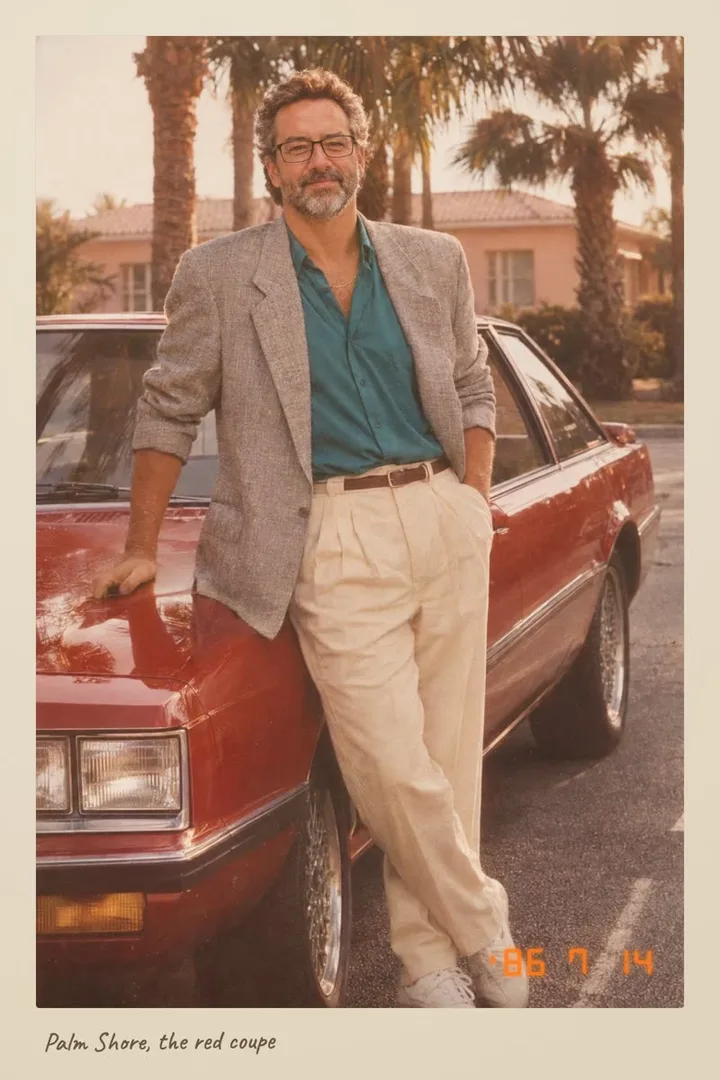
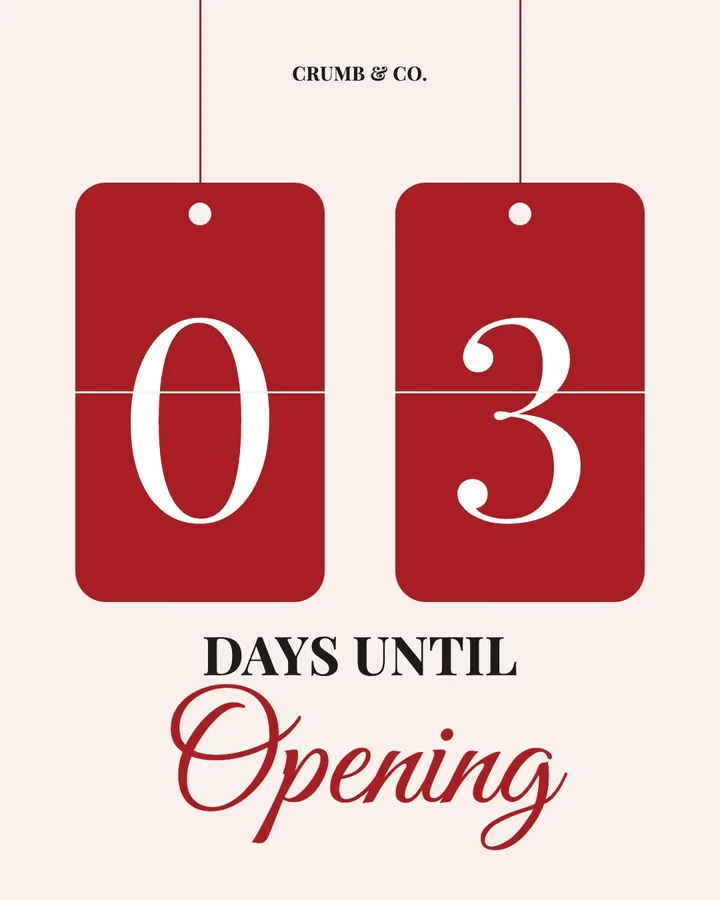
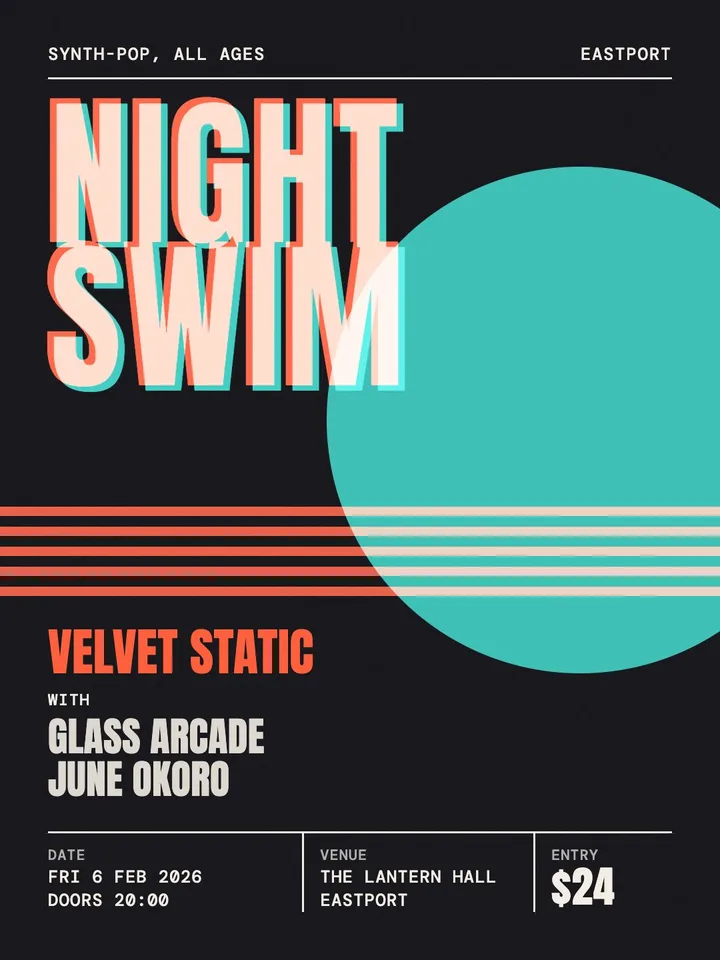
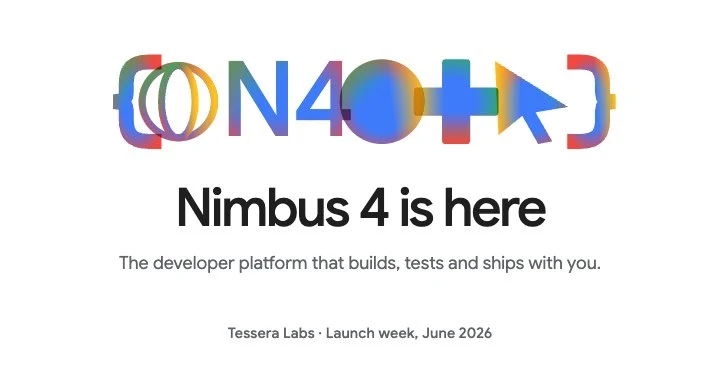
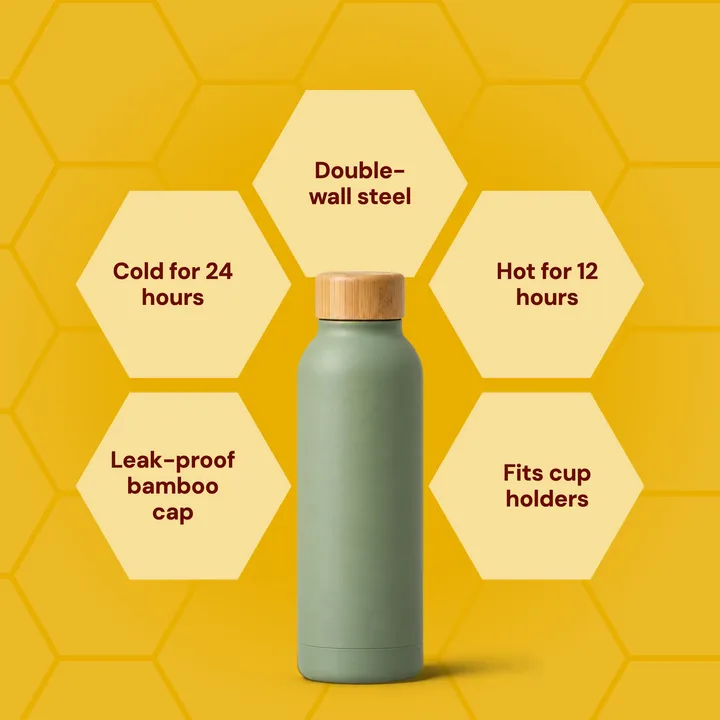
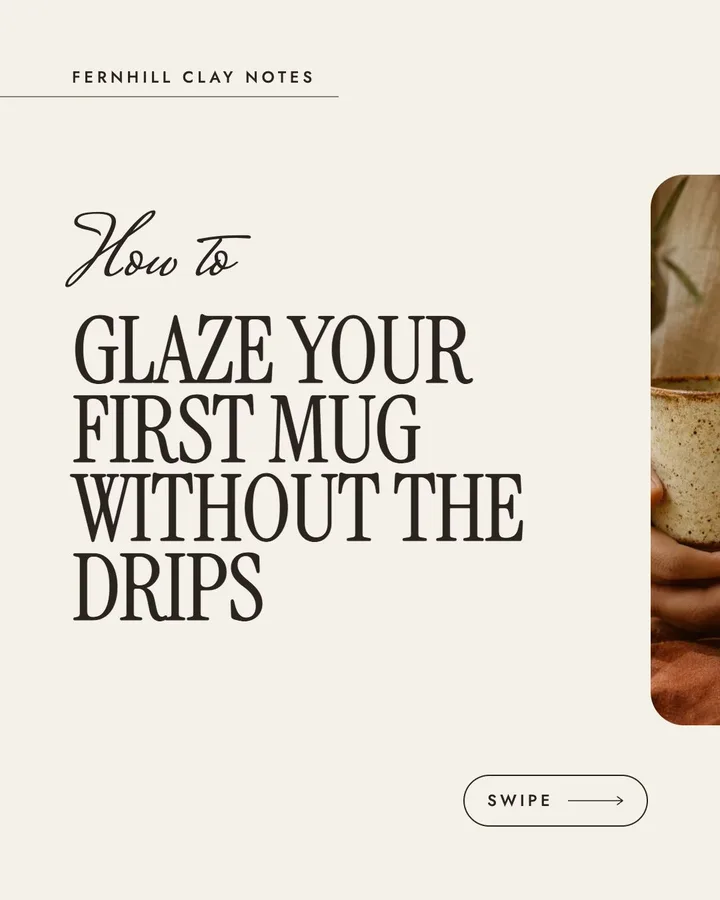
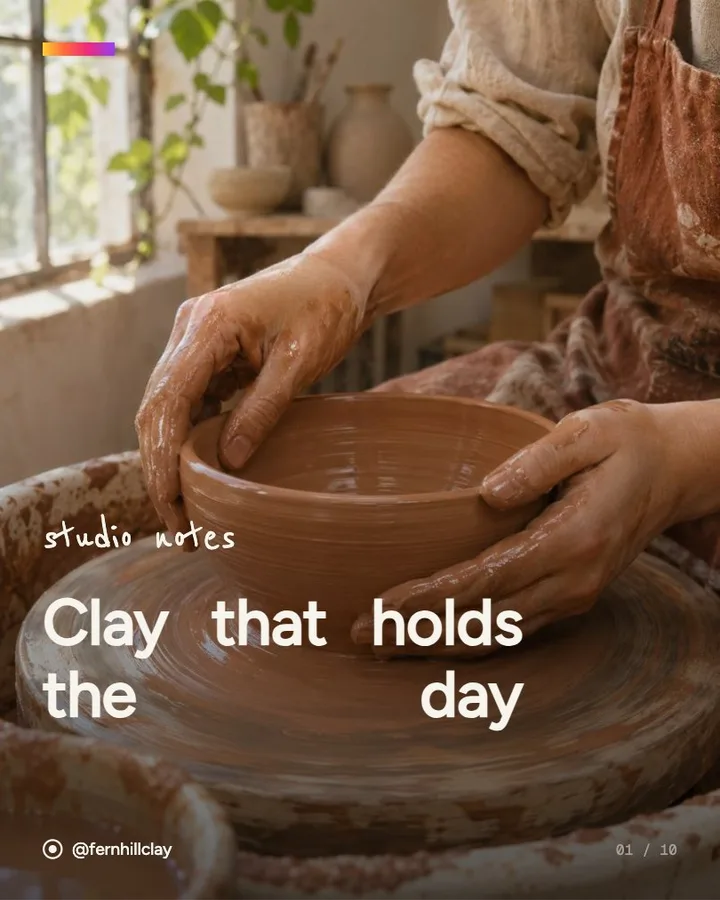
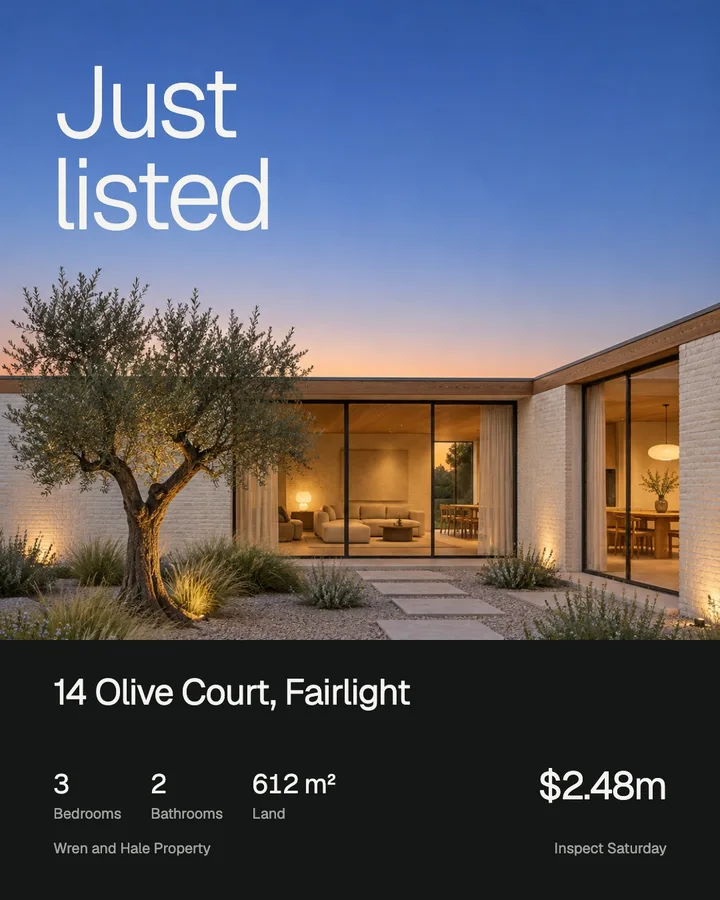
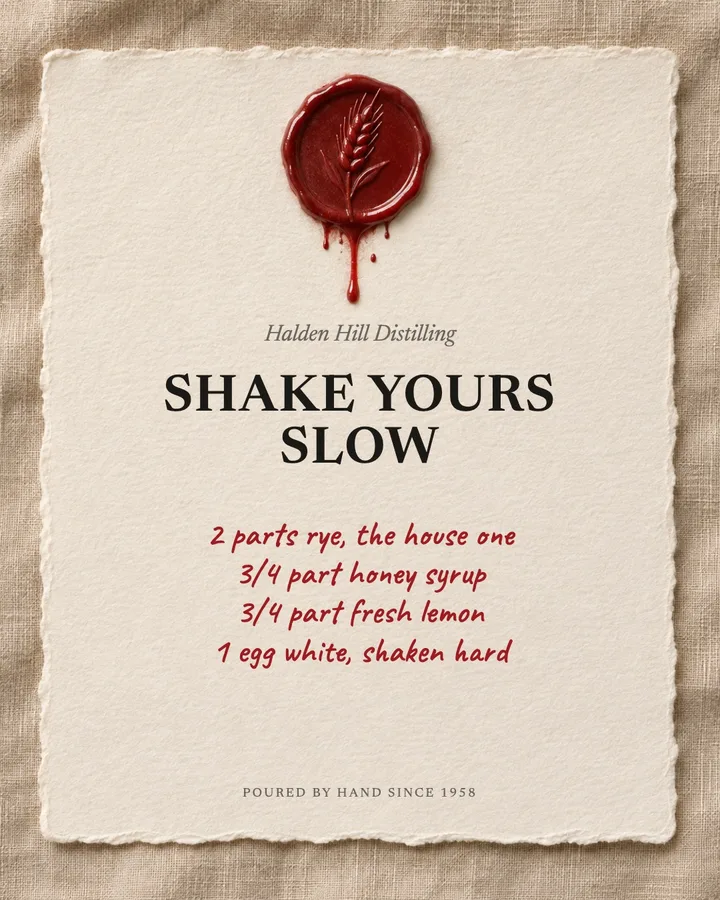
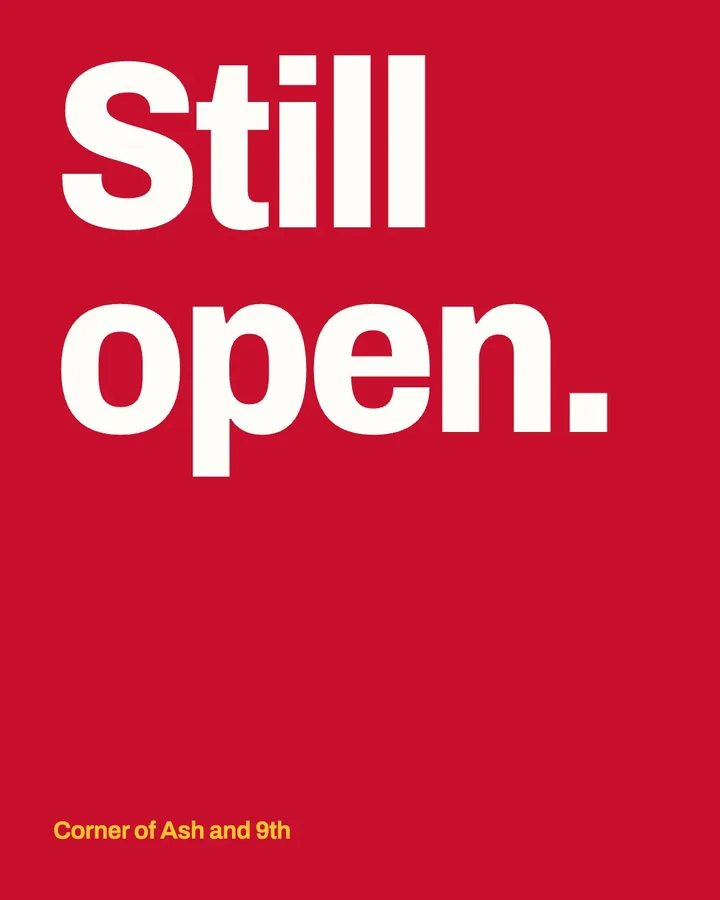
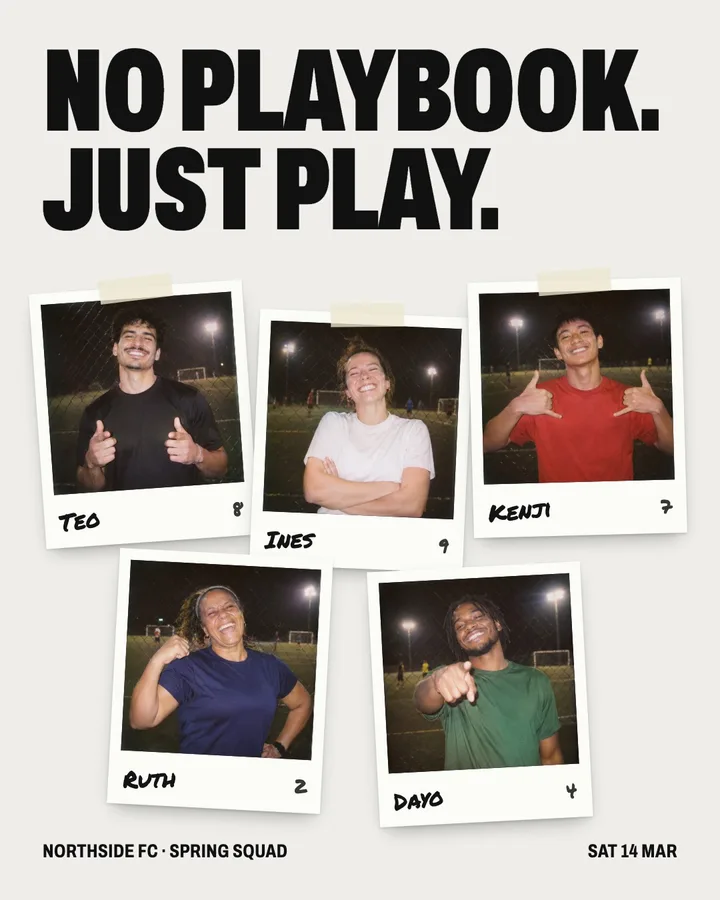
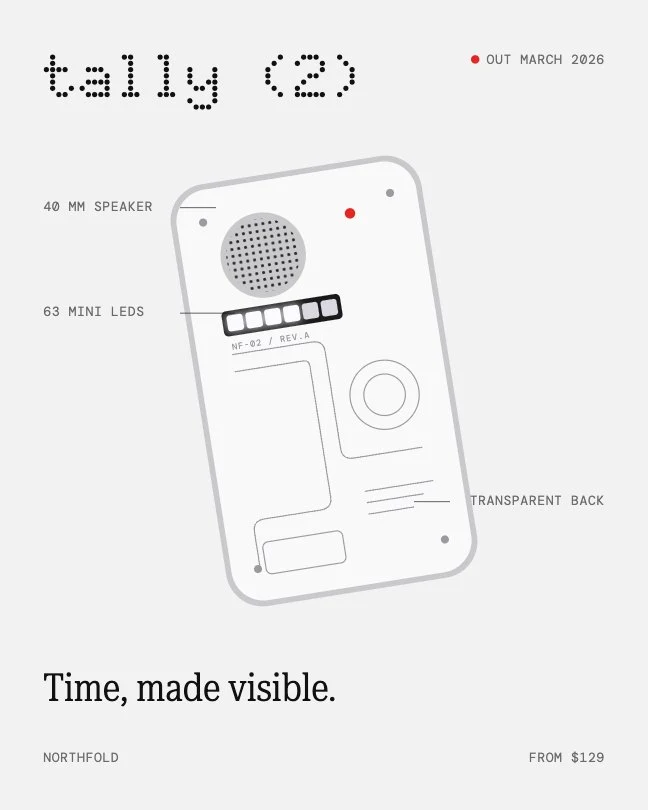
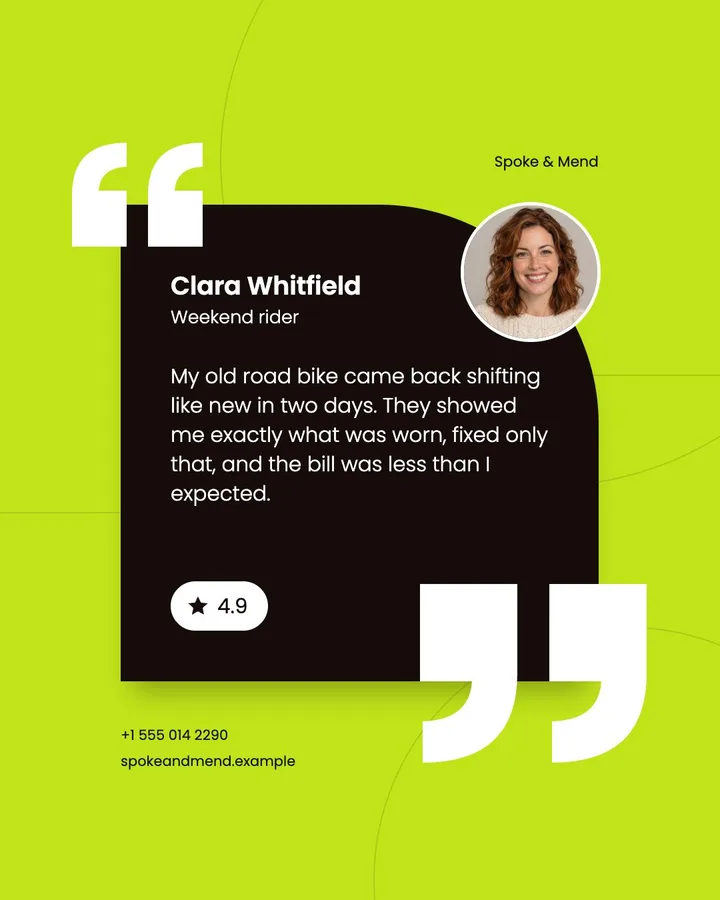
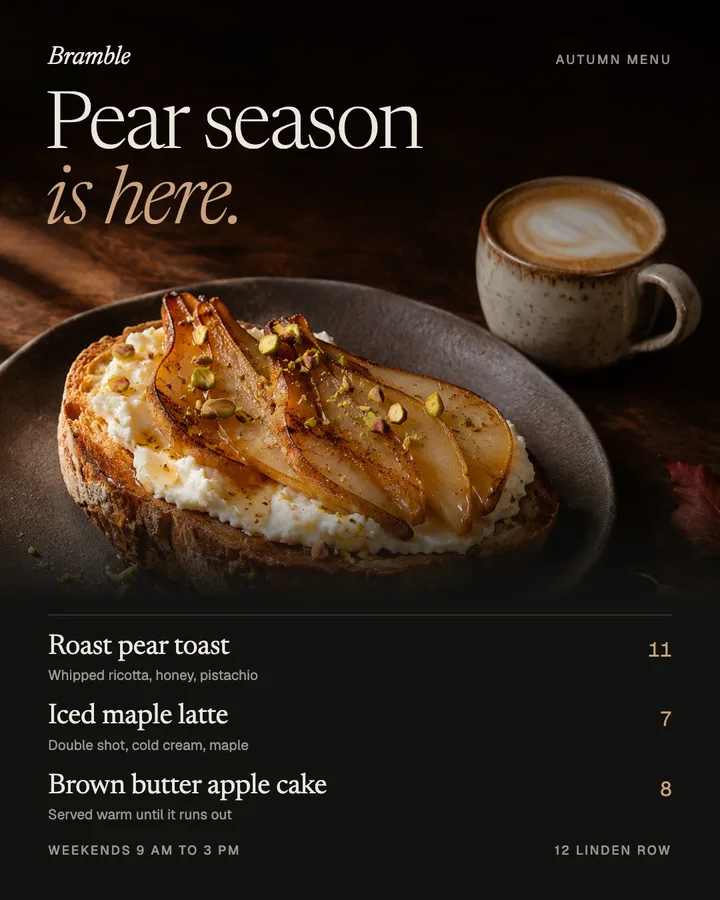
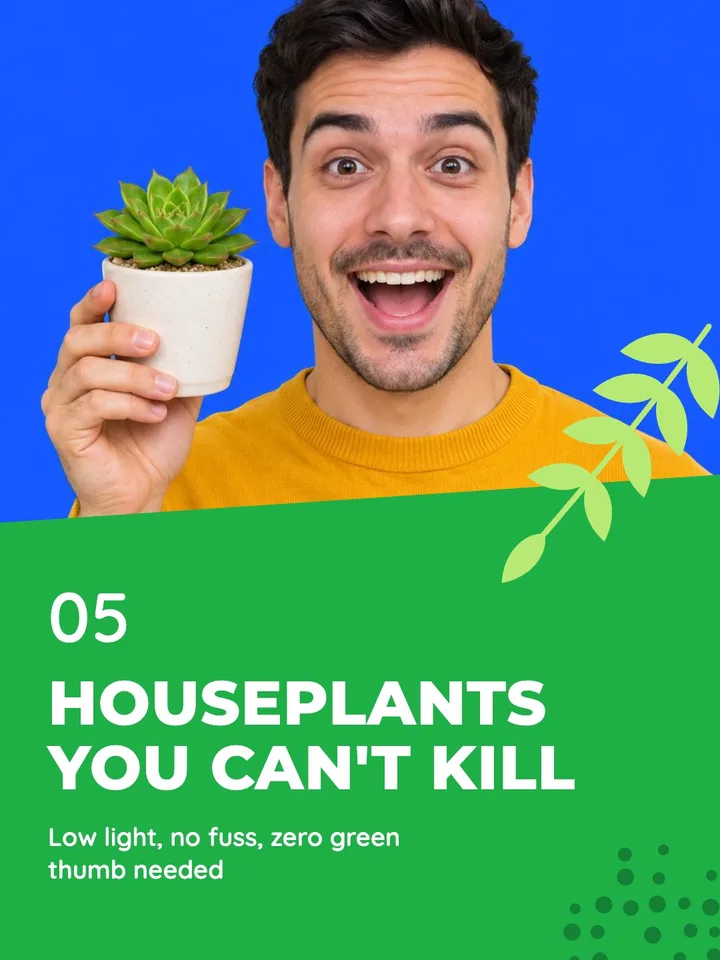
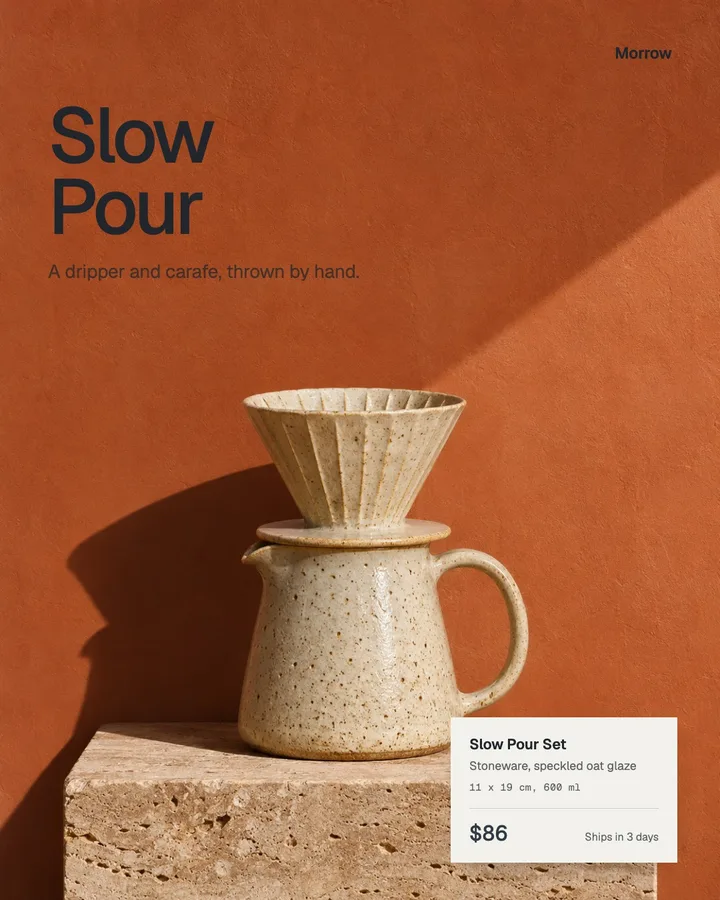
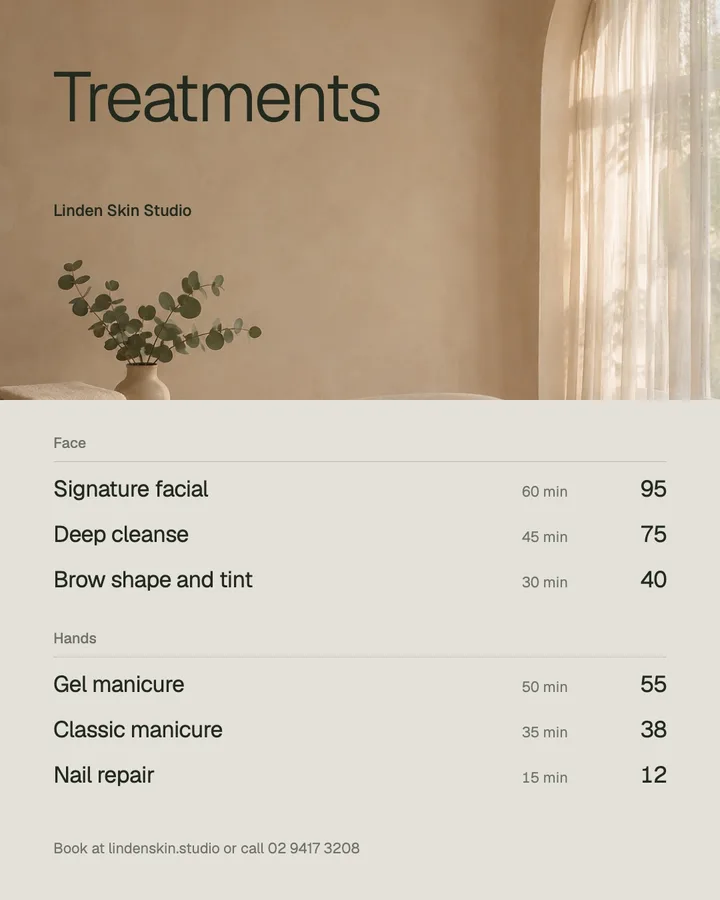
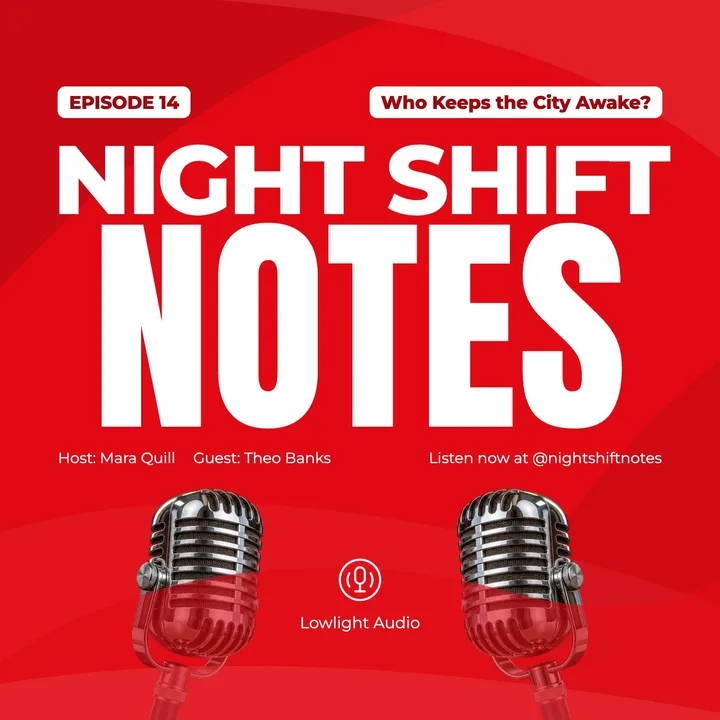
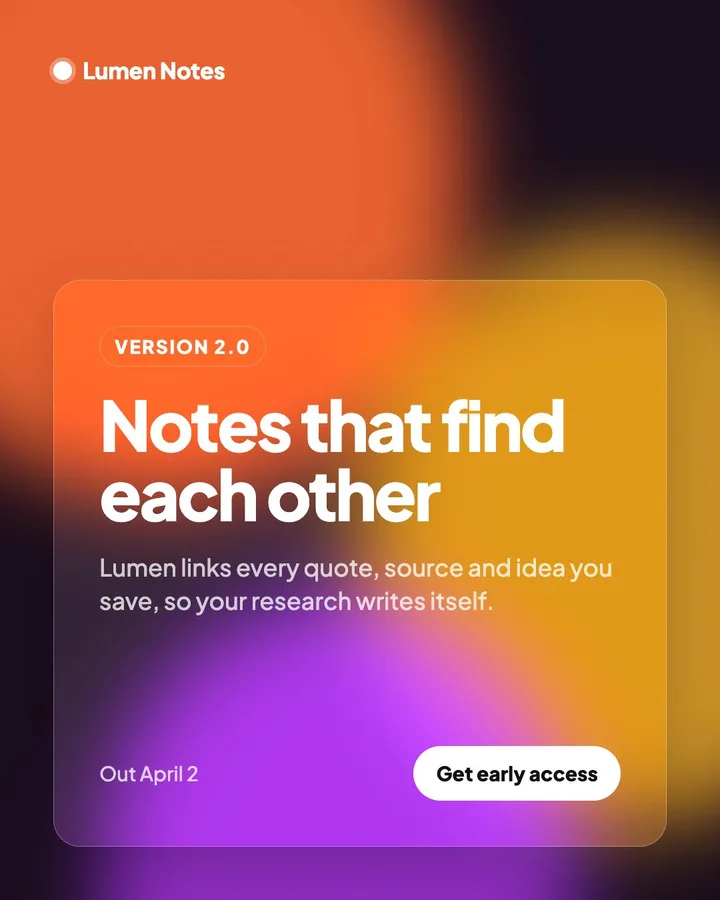
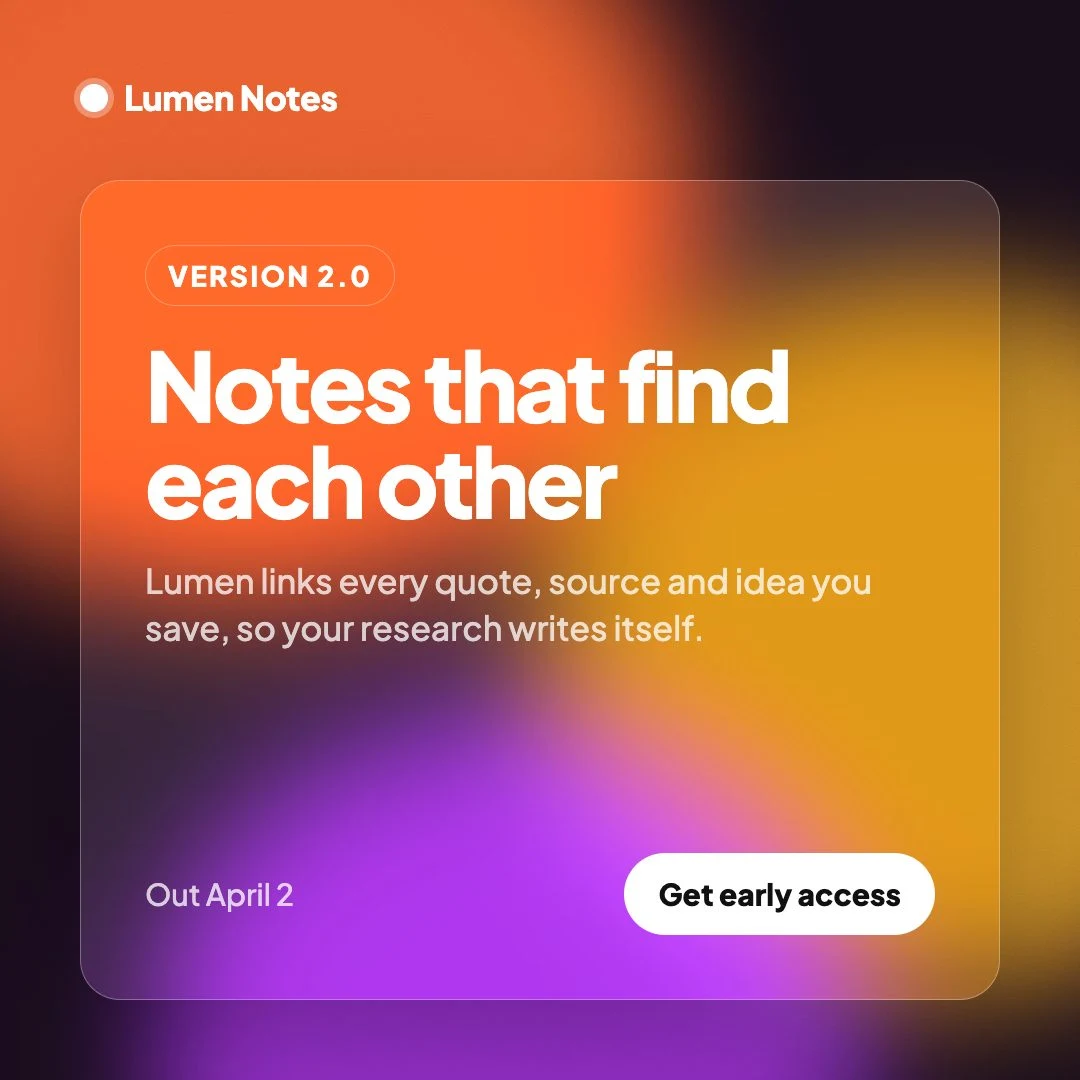
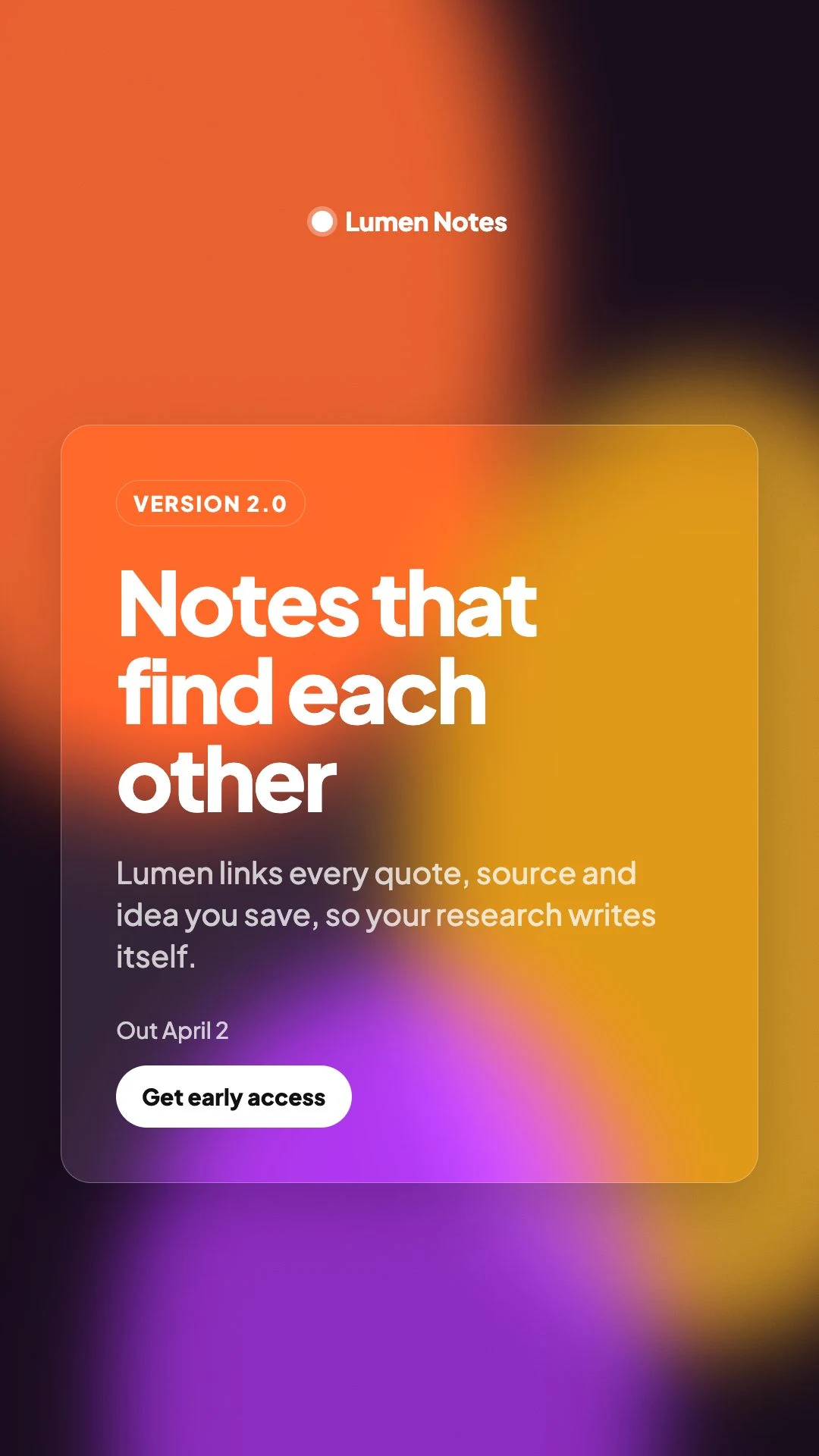
- 每個訊息四個匹配圖像-1080x1080、1080x1350、1080x1920故事和1920x1080橫幅
- 三個主題(極光、黃昏、冰川)加上任何品牌顏色,並強制執行文字限制
- 確認精確大小並將每個單字保留在每種格式的安全區域內的檢查器
執行需求
- 必要 · Node.js 22 或更新版本
- 必要 · Google Chrome、Chromium或邊緣
使用建議
同一則公告,四種尺寸,以柔和極光漸層與霧面玻璃呈現。
使用我提供的品牌顏色在冰川主題中製作相同的集合。
將號召性用語改為加入候補名單並匯出 PNG 檔案。
開始之前
| 你需要提供 |
|
|---|---|
| 相依項目 |
|
| 外部費用 | 無外部服務費用 |
| 最近更新 | v1.0.3 · |
功能範圍以隨包提供的流程為準。