내 프롬프트
괄호 안을 내 내용으로 바꾸세요. 선택 항목은 생략해도 됩니다.
/mcdonalds-2026-you-know-where-logo-free-billboard-style
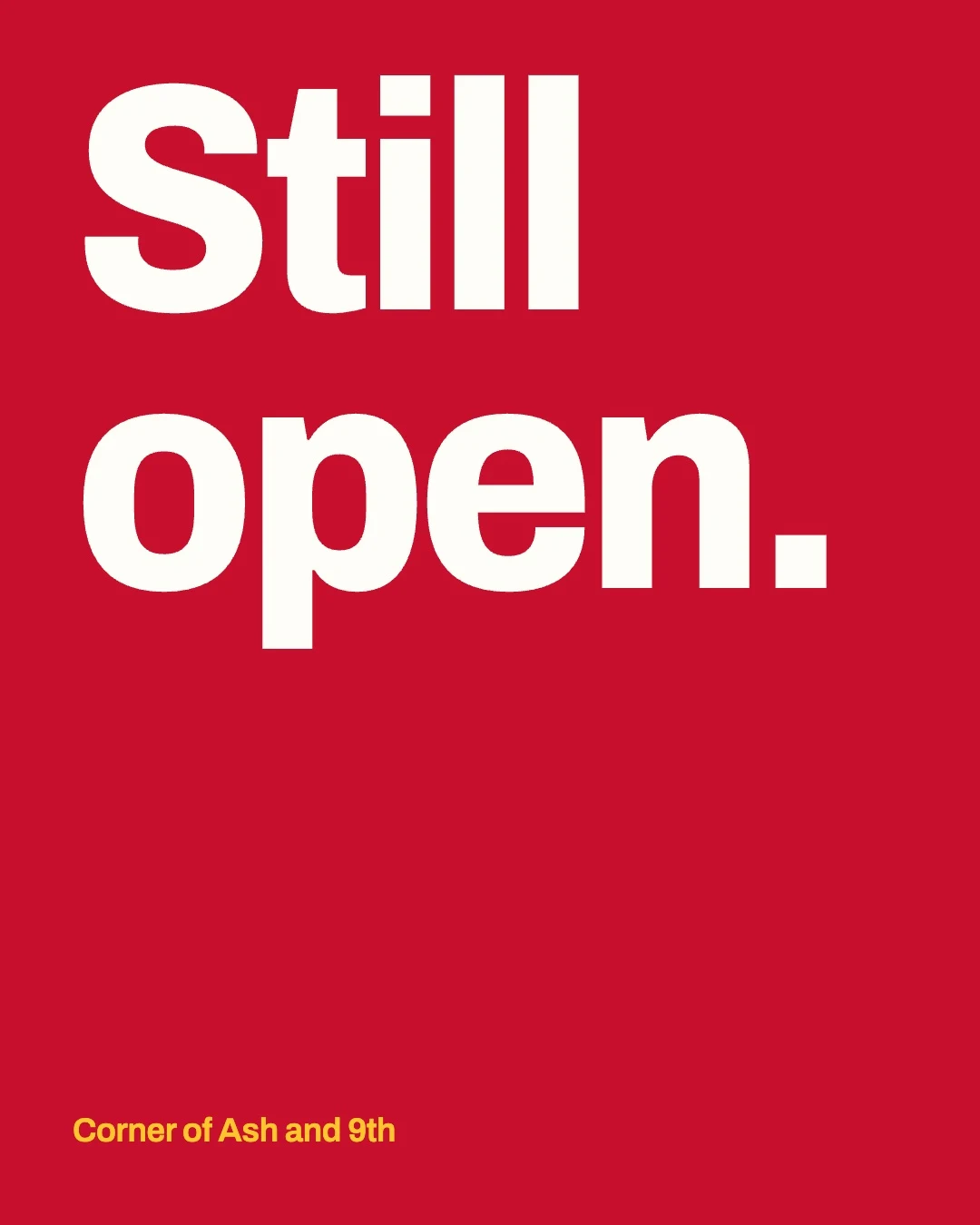
Feed headline, line 1 = 〔Feed headline, line 1 — 최대 12자〕
Feed headline, line 2 = 〔Feed headline, line 2 — 최대 12자〕
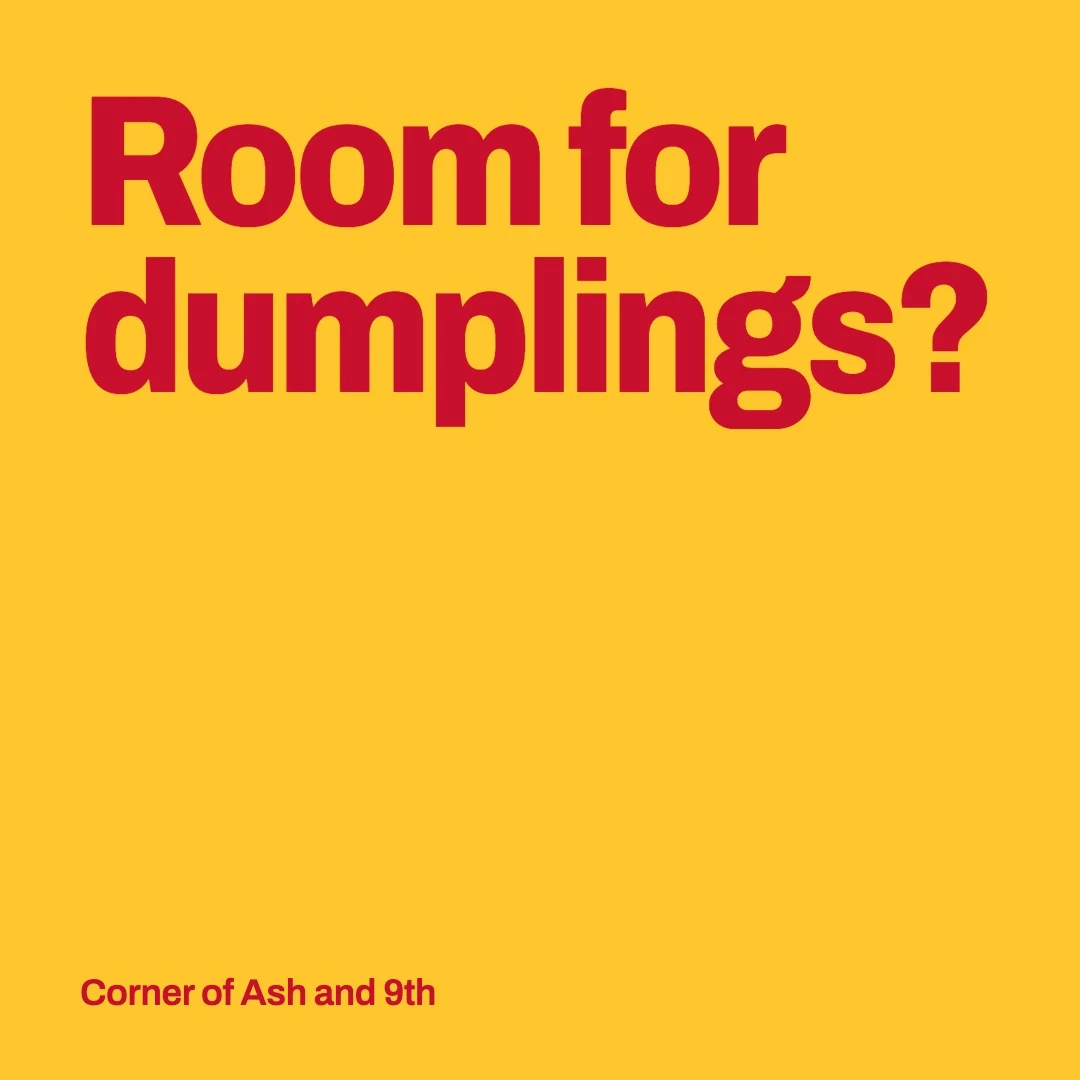
Where to find you = 〔Where to find you — 최대 21자〕
Square headline, line 1 = 〔Square headline, line 1 — 최대 12자〕
Square headline, line 2 = 〔Square headline, line 2 — 최대 12자〕
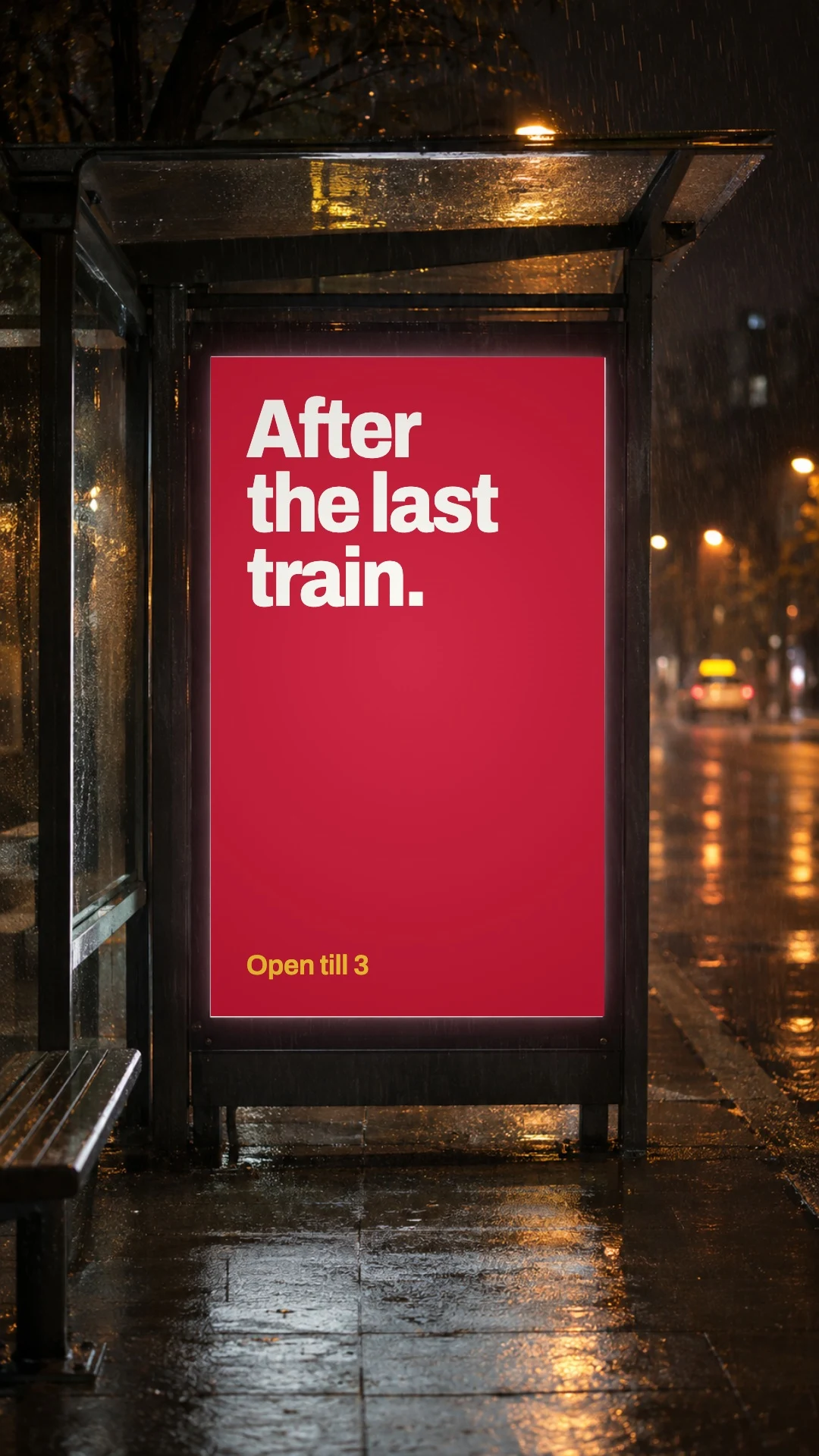
Story headline, line 1 = 〔Story headline, line 1 — 최대 12자〕
Story headline, line 2 = 〔Story headline, line 2 — 최대 12자〕
Story headline, line 3 = 〔Story headline, line 3 — 최대 12자〕
Opening hours = 〔Opening hours — 최대 12자〕
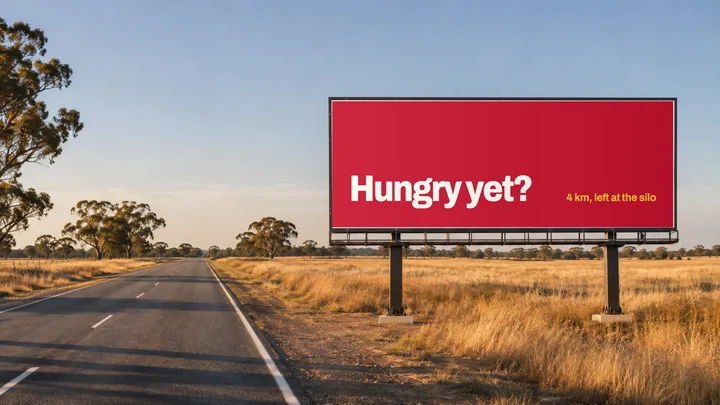
Wide headline = 〔Wide headline — 최대 12자〕
Directions = 〔Directions — 최대 22자〕
Roadside billboard photo = 〔Roadside billboard photo — 짧은 변 최소 1080px — 선택〕
Bus shelter photo = 〔Bus shelter photo — 짧은 변 최소 1080px — 선택〕
막막하다면: 먼저 예시를 보여 주세요
예시
/mcdonalds-2026-you-know-where-logo-free-billboard-style
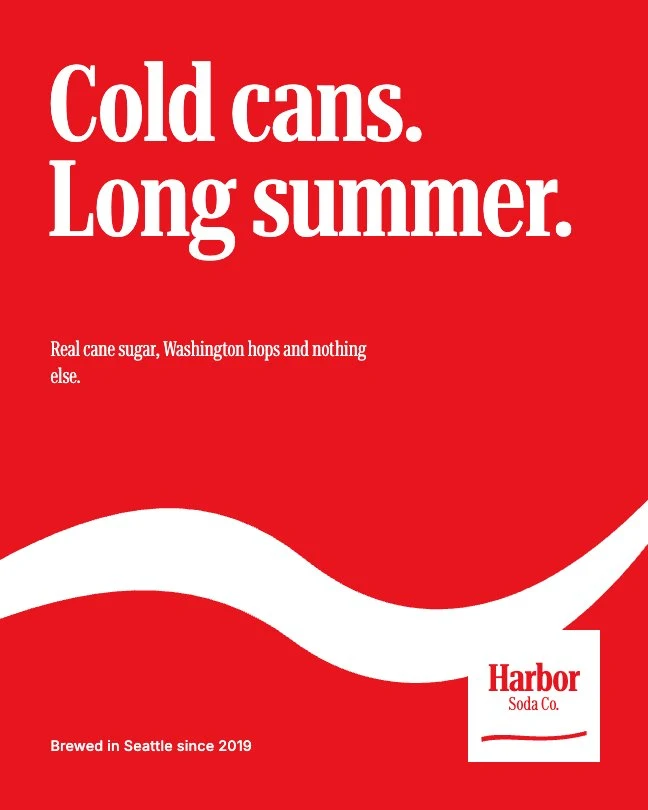
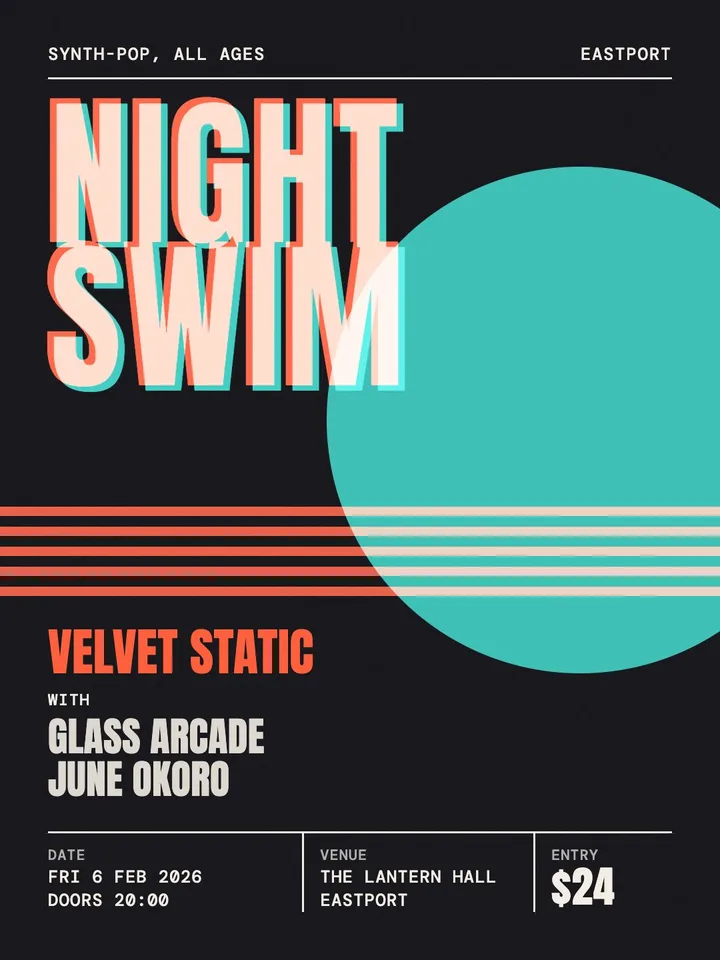
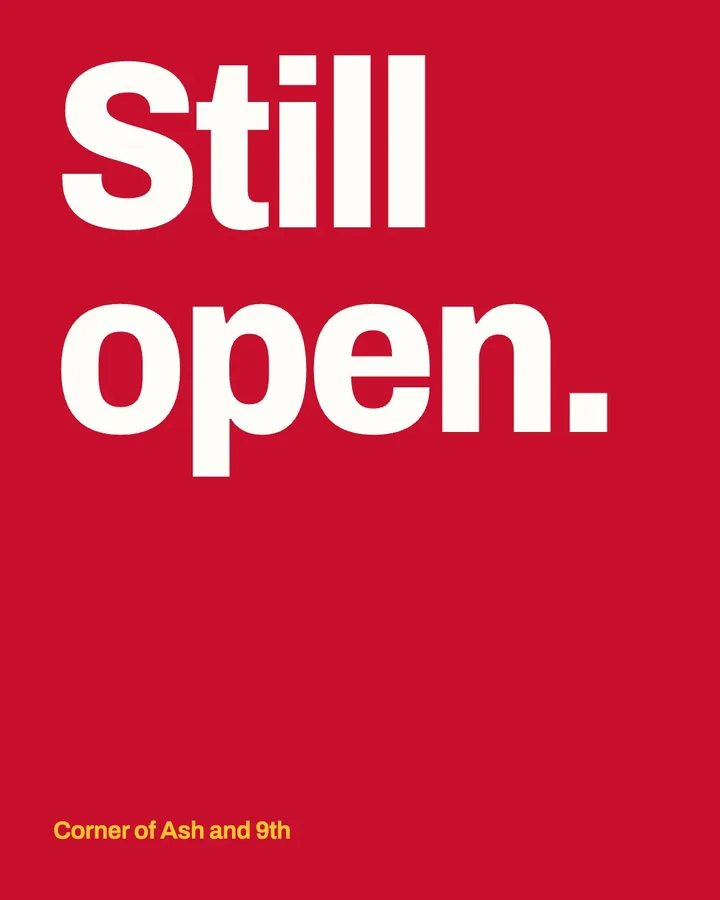
Feed headline, line 1 = Still
Feed headline, line 2 = open.
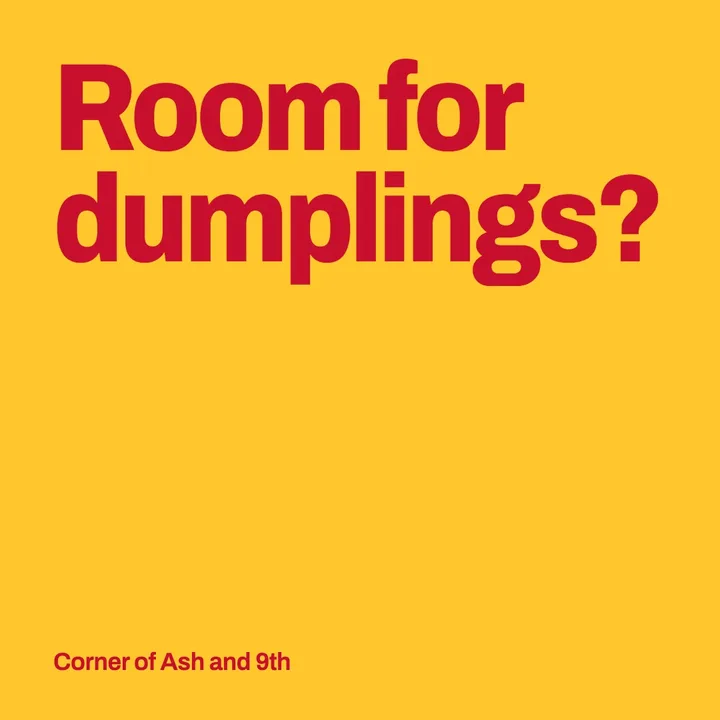
Where to find you = Corner of Ash and 9th
Square headline, line 1 = Room for
Square headline, line 2 = dumplings?
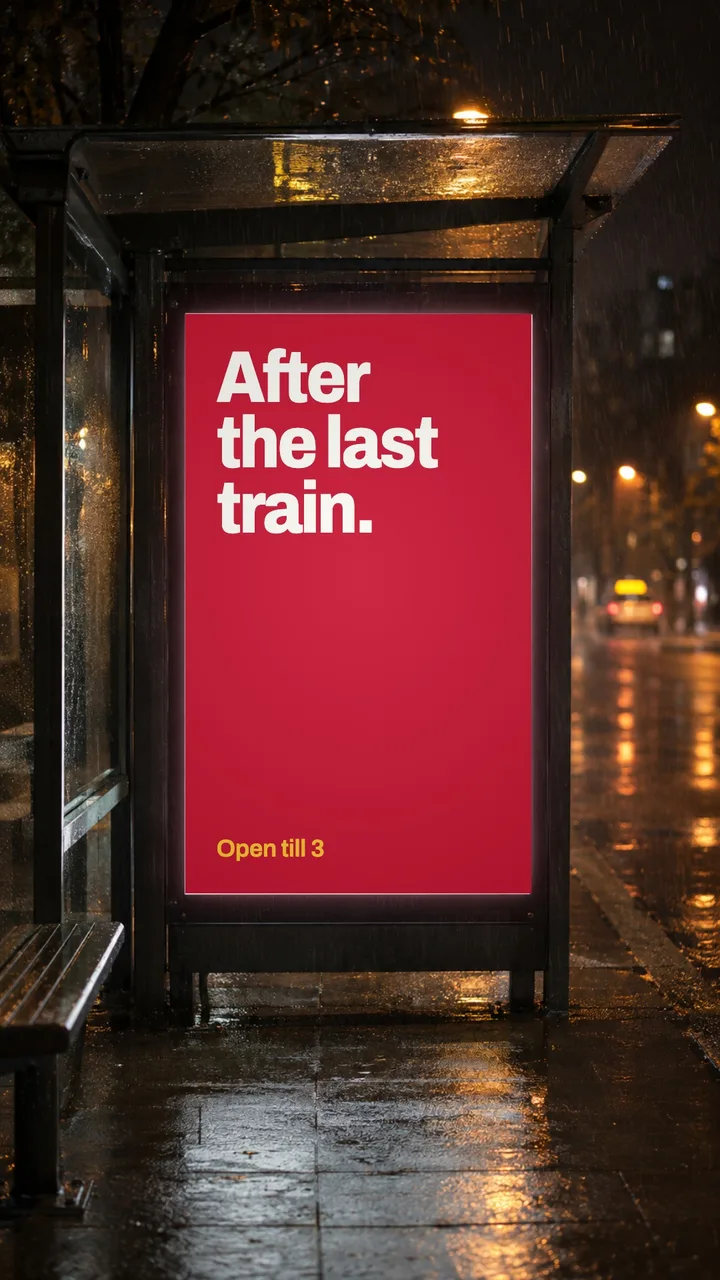
Story headline, line 1 = After
Story headline, line 2 = the last
Story headline, line 3 = train.
Opening hours = Open till 3
Wide headline = Hungry yet?
Directions = 4 km, left at the silo
Roadside billboard photo = the sample photo in the pack
Bus shelter photo = the sample photo in the pack
로고 없는 순간 광고판
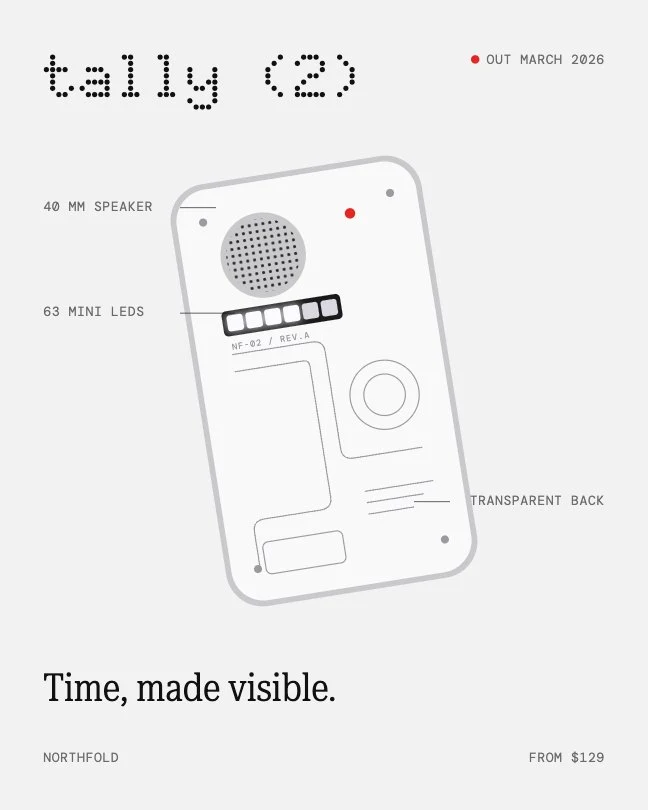
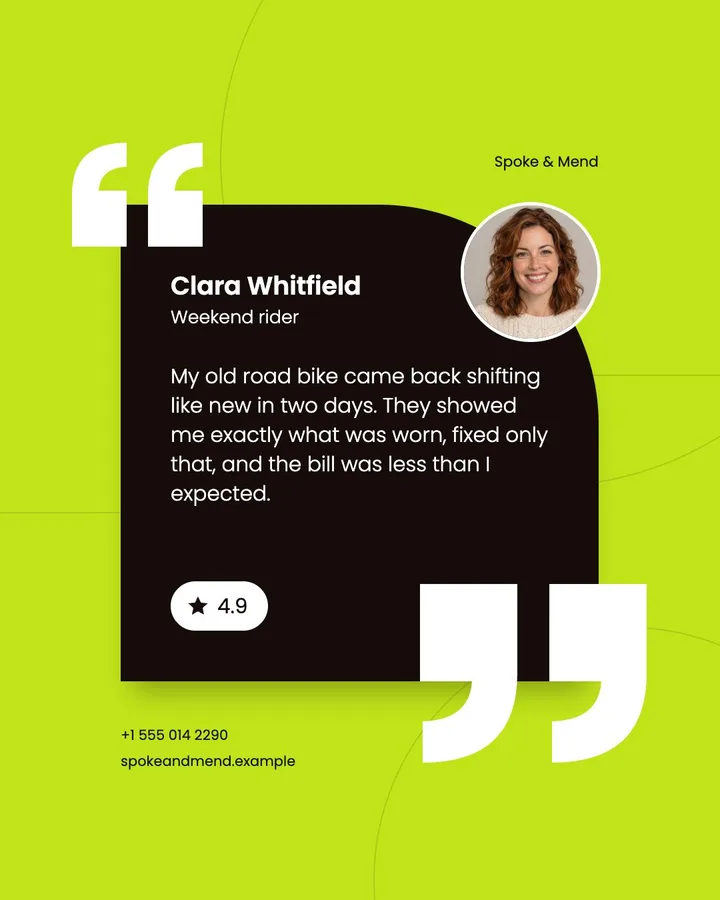
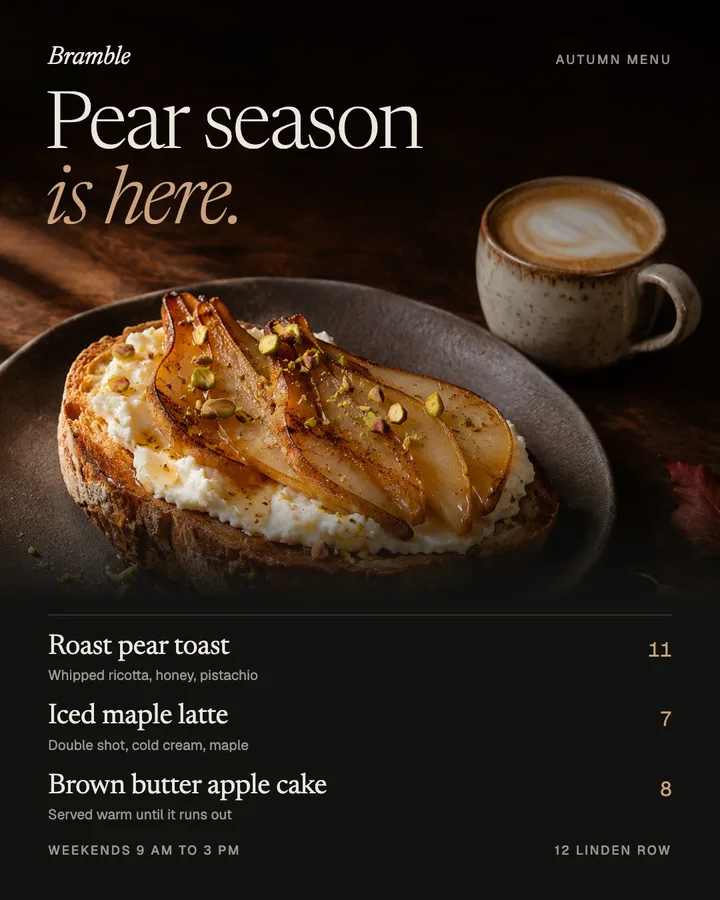
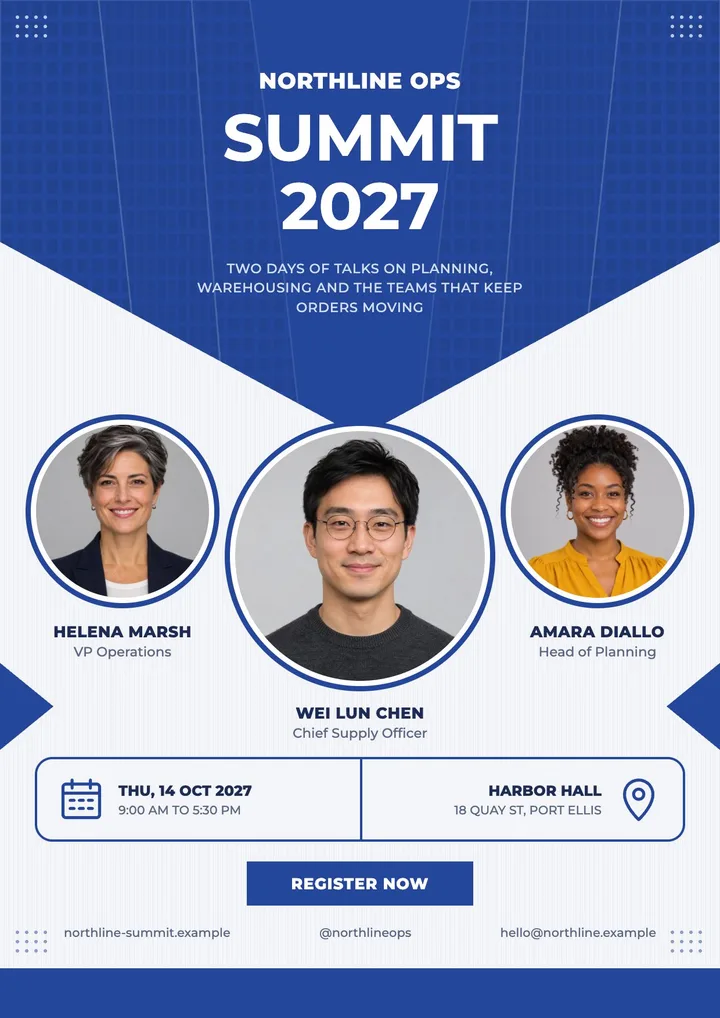
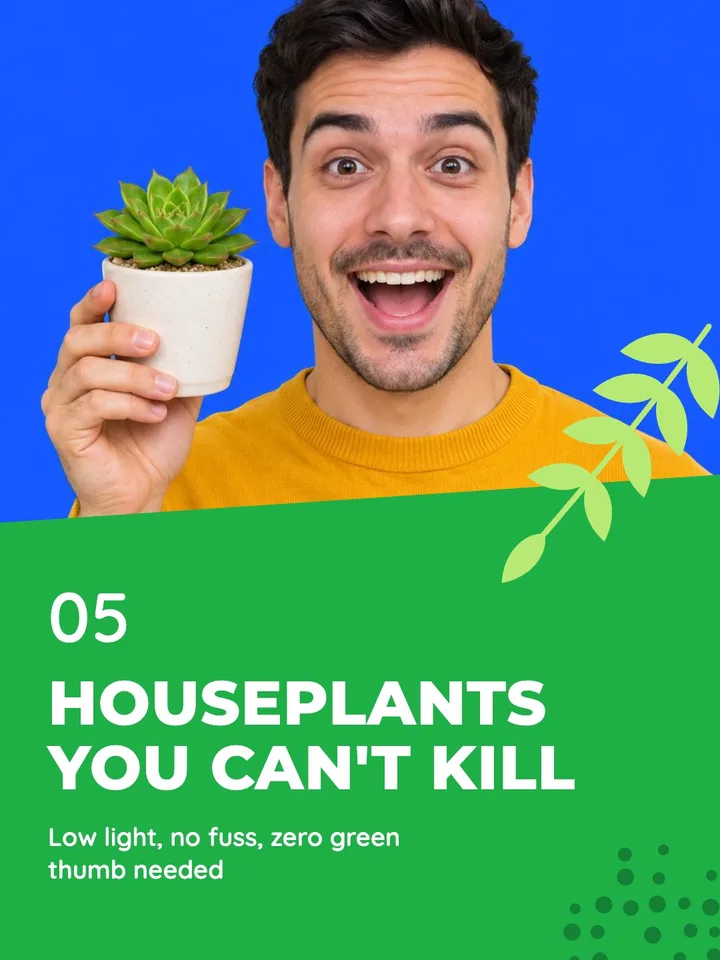
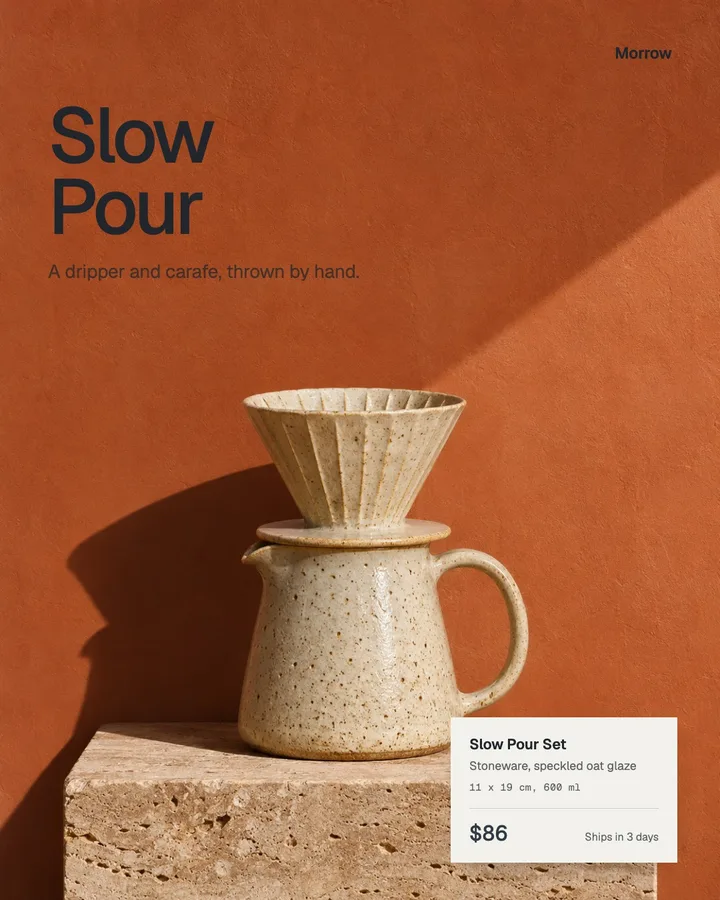
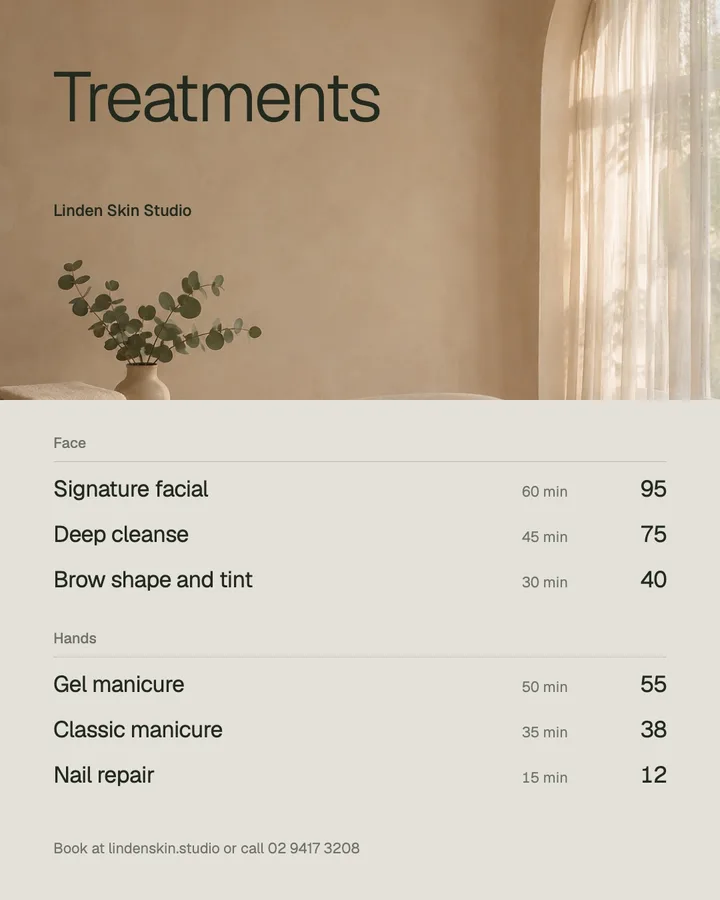
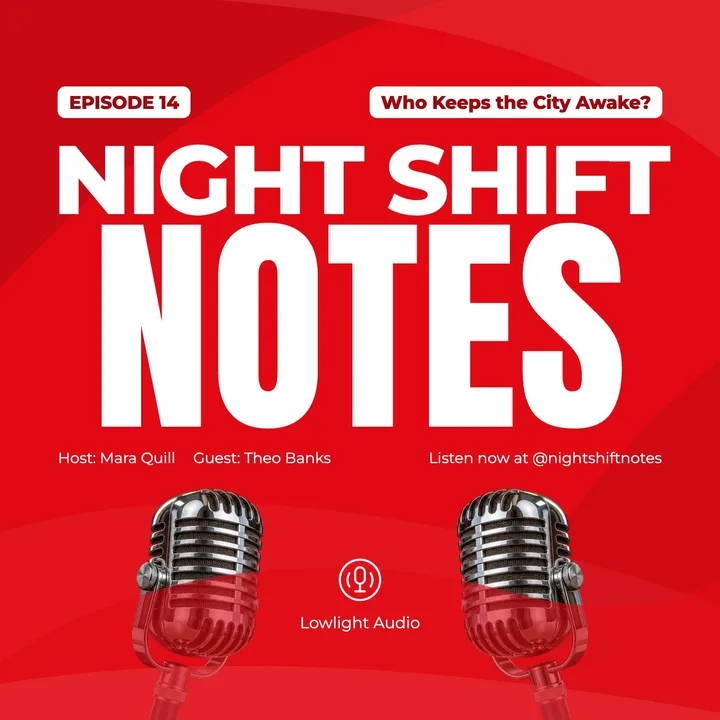
일관된 디자인의 정지 이미지 네 가지를 만듭니다. 승인된 문구, 색상, 사용 허가를 받은 사진을 교체하고 로컬에서 검사한 후 내보냅니다.
작동 방식
- 스킬 설치 · 설치 가이드
- 요청 실행 ·
/mcdonalds-2026-you-know-where-logo-free-billboard-style - 결과 확인
SKILL.md의 절차를 확인한 후 아래에 포함된 명령을 사용하세요.
node -vnode scripts/check-setup.mjsnpx playwright install chromiumnode scripts/create.cjs --helpnode scripts/studio.cjsnode scripts/create.cjs --out out
작업 폴더
studio.htmlreferences/check.jsonreferences/defaults.jsonreferences/fill-in.jsonreferences/renders.jsonreferences/template.htmlscripts/check-output.mjsscripts/check-setup.mjs
제공 항목
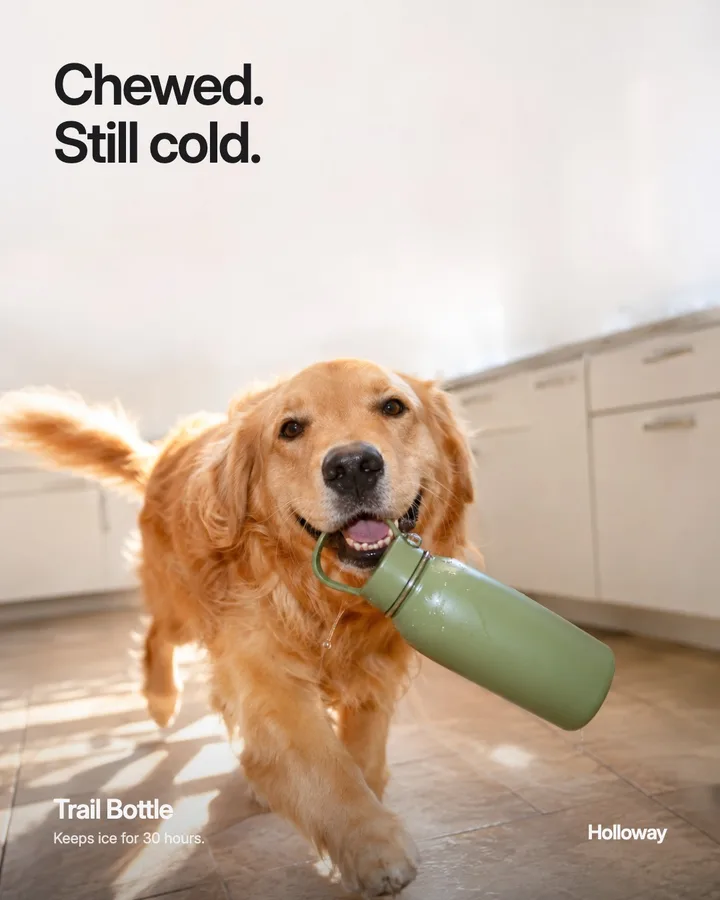
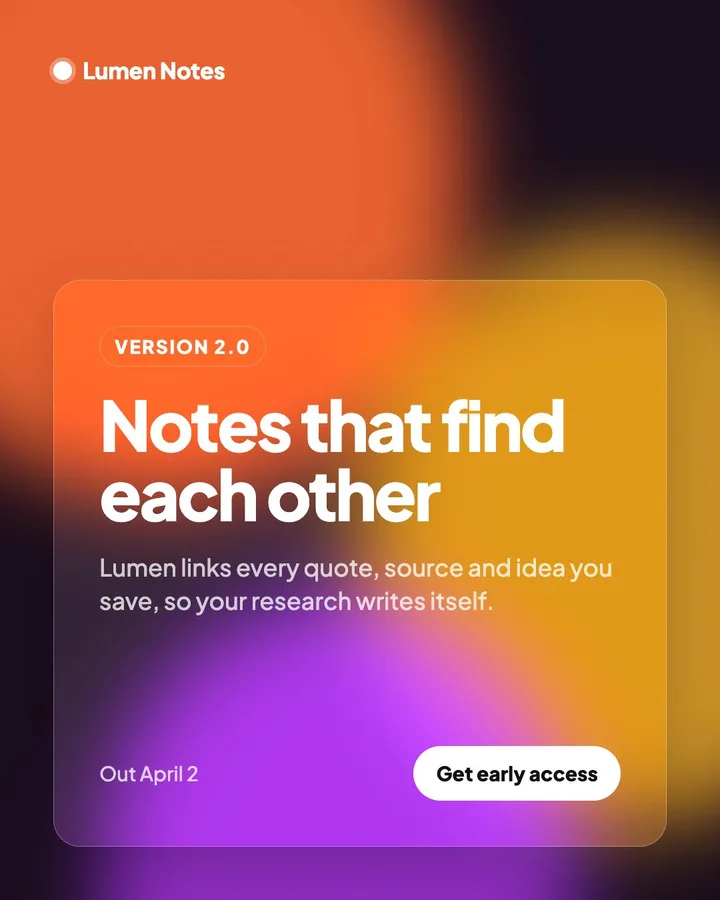
- JPEG 구성 4개
- 편집 가능한 문구, 색상 및 허가된 사진
- 로컬 렌더링 및 검사 스크립트
실행 요구 사항
- 필수 · Node.js 22+ / Playwright
- 필수 · Google Chrome 브라우저
도움말
문구, 색상, 사진을 바꿀 수 있는 네 가지 이미지.
예시 문구를 승인된 문구로 바꿔 주세요.
허가된 사진으로 네 구성을 렌더링해 주세요.
시작하기 전에
| 준비할 내용 |
|
|---|---|
| 의존성 |
|
| 외부 비용 | 외부 서비스 비용 없음 |
| 최근 업데이트 | v1.0.1 · |
제공된 워크플로 범위 안에서 사용하세요.