你的提示詞
將括號內的文字換成你的內容;選填項目可以省略。
/creator-split-bar-chart
上方小字 = 〔上方小字 — 最多 28 個字元 — 選填〕
Tag on the right = 〔Tag on the right — 最多 18 個字元 — 選填〕
Chart title = 〔Chart title — 最多 30 個字元〕
Unit line = 〔Unit line — 最多 40 個字元 — 選填〕
Bar 1 name = 〔Bar 1 name — 最多 9 個字元〕
Bar 1 value = 〔Bar 1 value — 最多 7 個字元〕
Bar 2 name = 〔Bar 2 name — 最多 9 個字元〕
Bar 2 value = 〔Bar 2 value — 最多 7 個字元〕
Bar 3 name = 〔Bar 3 name — 最多 9 個字元〕
Bar 3 value = 〔Bar 3 value — 最多 7 個字元〕
Bar 4 name = 〔Bar 4 name — 最多 9 個字元〕
Bar 4 value = 〔Bar 4 value — 最多 7 個字元〕
Bar 5 name = 〔Bar 5 name — 最多 9 個字元〕
Bar 5 value = 〔Bar 5 value — 最多 7 個字元〕
Takeaway = 〔Takeaway — 最多 52 個字元 — 選填〕
顏色 = 〔顏色 — ink (near-black, mint) / paper (warm paper, coral) / sky (pale blue, cobalt) — 選填〕
品牌色 = 〔品牌色 — 選填〕
Video shape = 〔Video shape — landscape 16:9 (YouTube, screens) / vertical 9:16 (Reels, Shorts, TikTok) / square 1:1 / 4:5 (Instagram feed) — 選填〕
Your talking-head clip = 〔Your talking-head clip〕
影片解析度 = 〔影片解析度 — 1080p / 4K — 選填〕
不知道怎麼填?可以說:先做一個範例給我看
範例
/creator-split-bar-chart
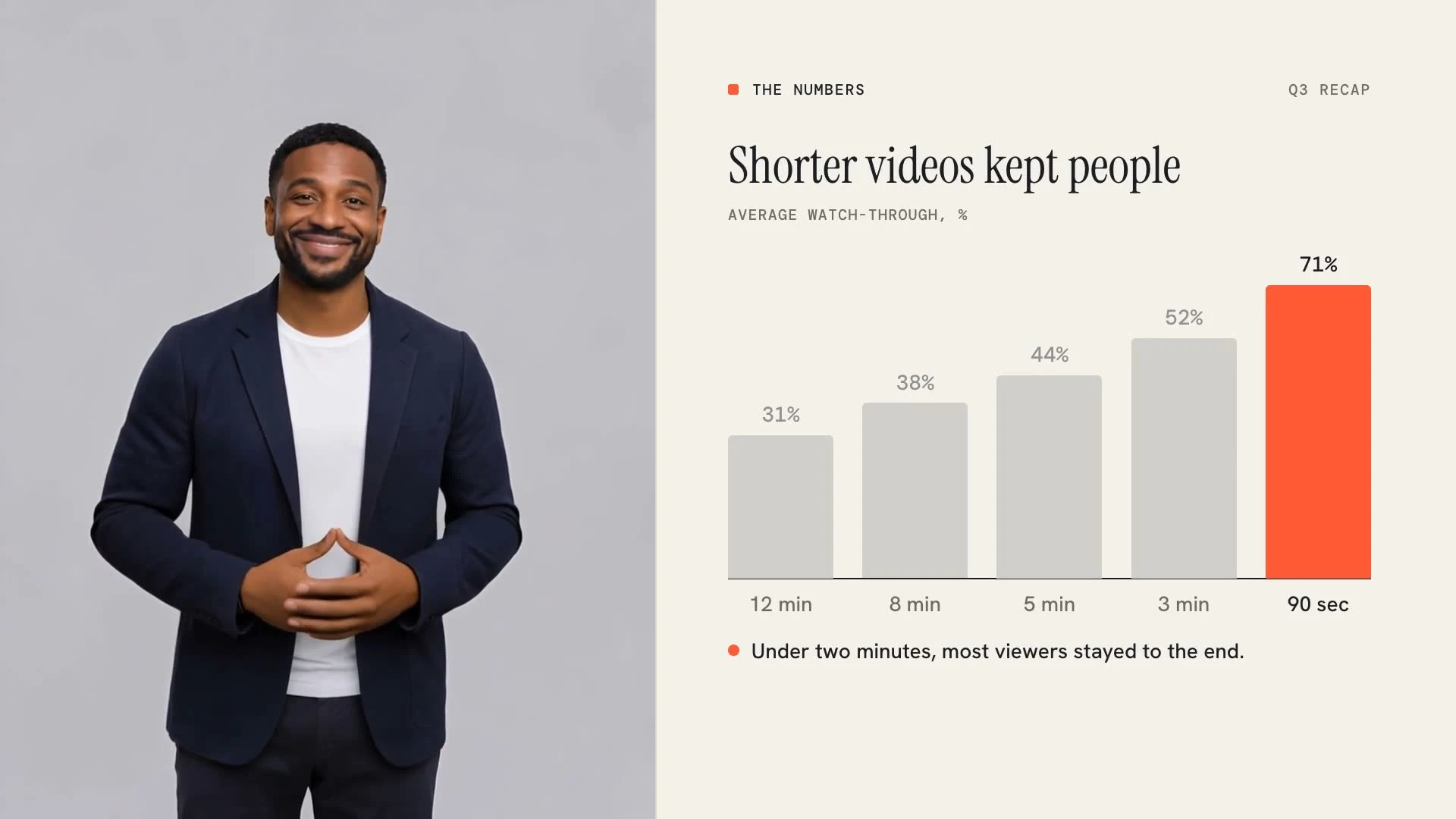
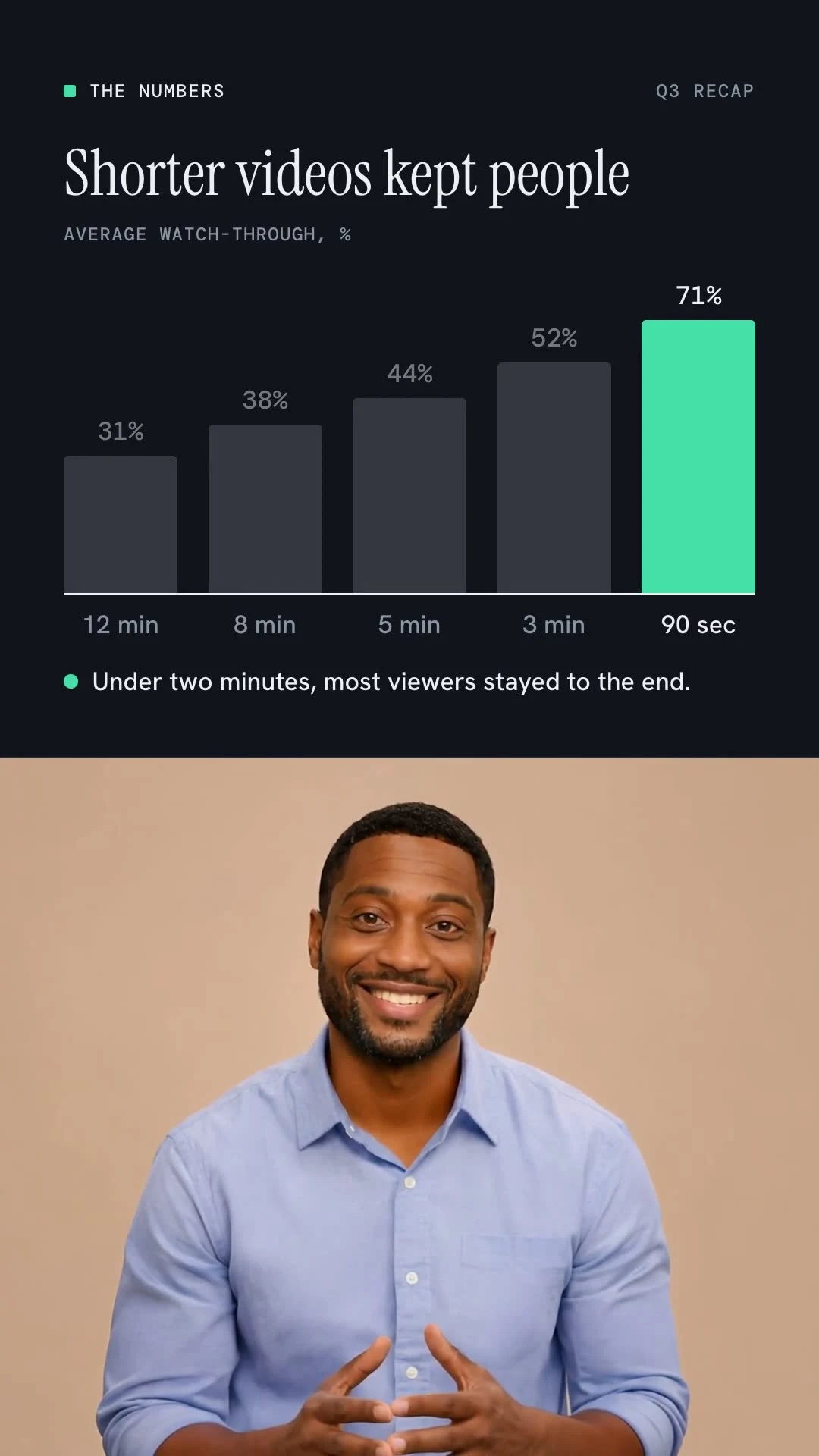
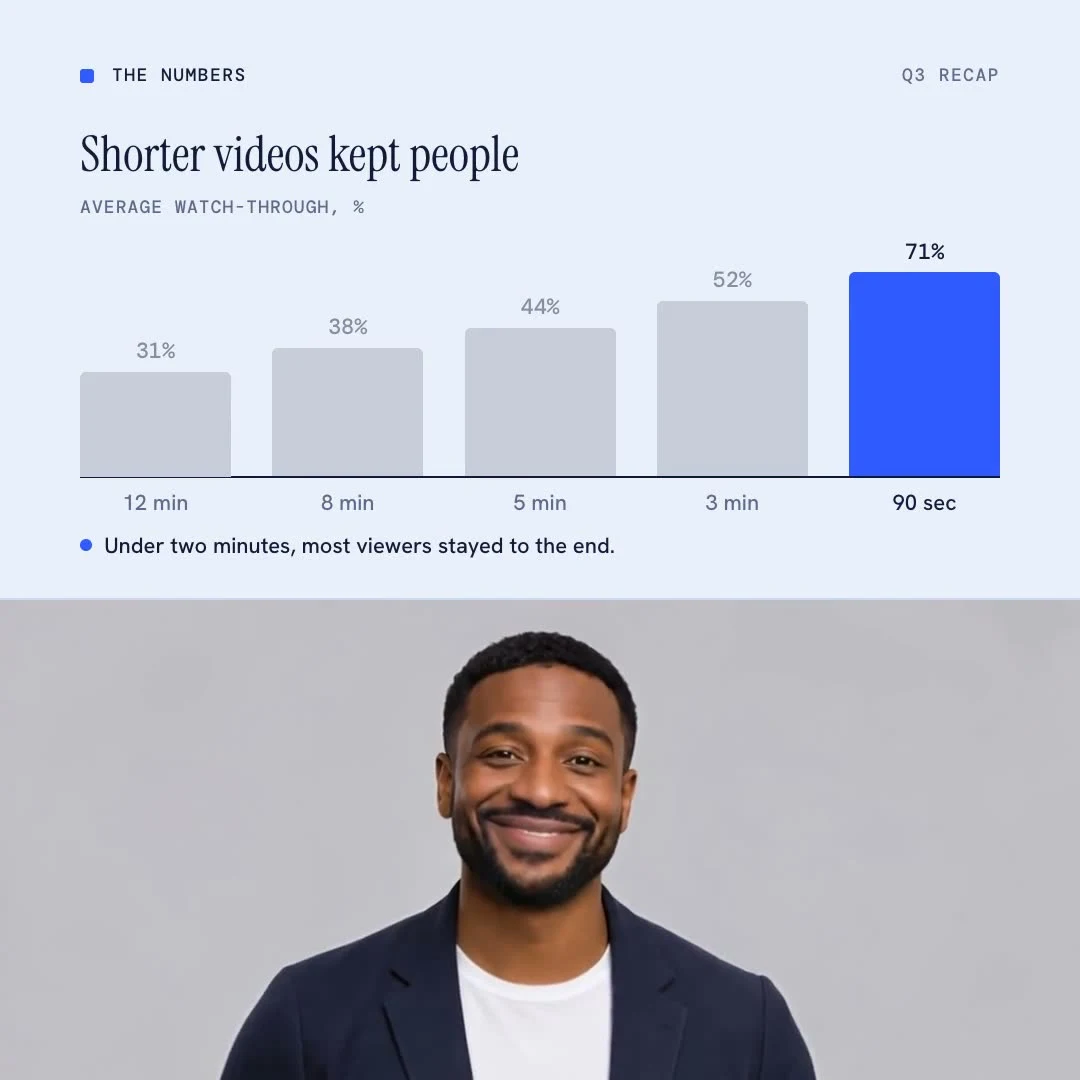
上方小字 = The numbers
Tag on the right = Q3 recap
Chart title = Shorter videos kept people
Unit line = Average watch-through, %
Bar 1 name = 12 min
Bar 1 value = 31%
Bar 2 name = 8 min
Bar 2 value = 38%
Bar 3 name = 5 min
Bar 3 value = 44%
Bar 4 name = 3 min
Bar 4 value = 52%
Bar 5 name = 90 sec
Bar 5 value = 71%
Takeaway = Under two minutes, most viewers stayed to the end.
顏色 = paper-coral
品牌色 = #1E3A8A
Video shape = 16:9
Your talking-head clip = the sample presenter photo in the pack
影片解析度 = 4K
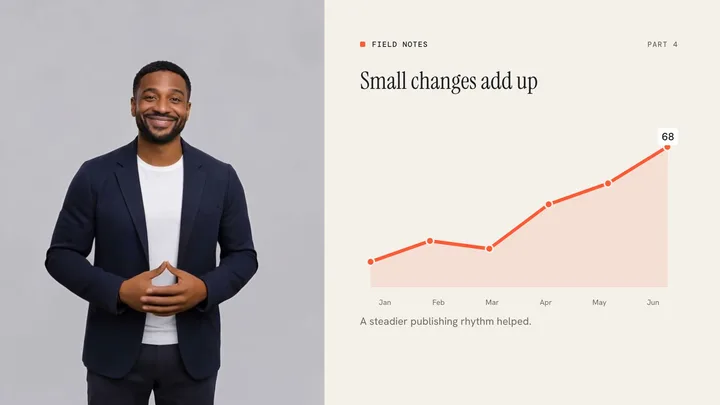
口播長條圖聚焦
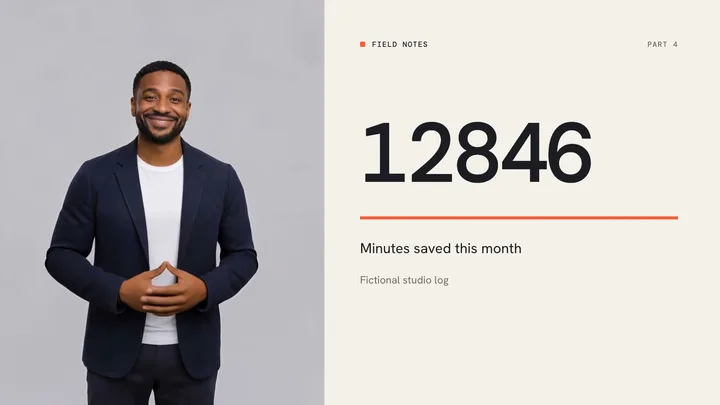
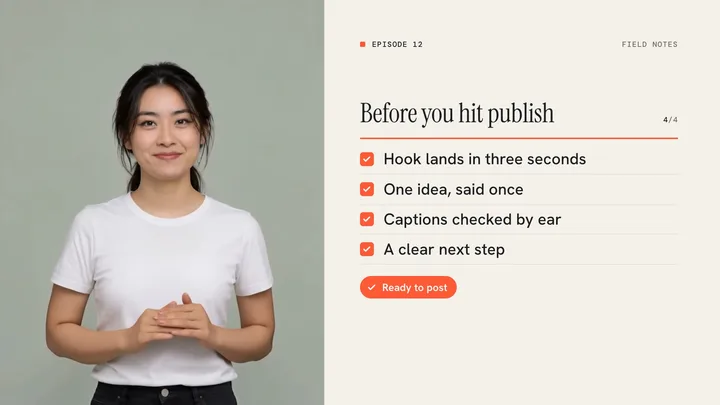
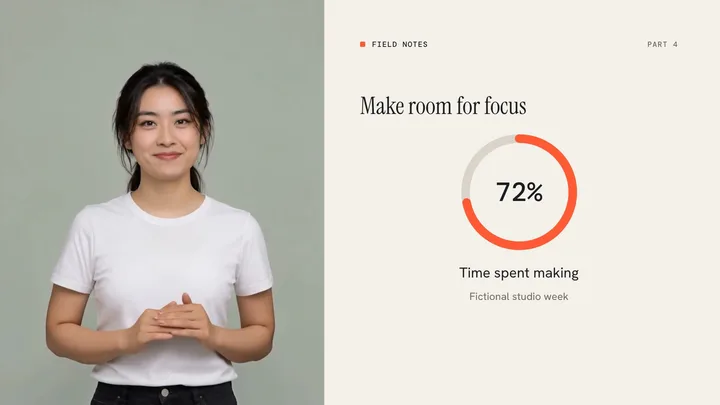
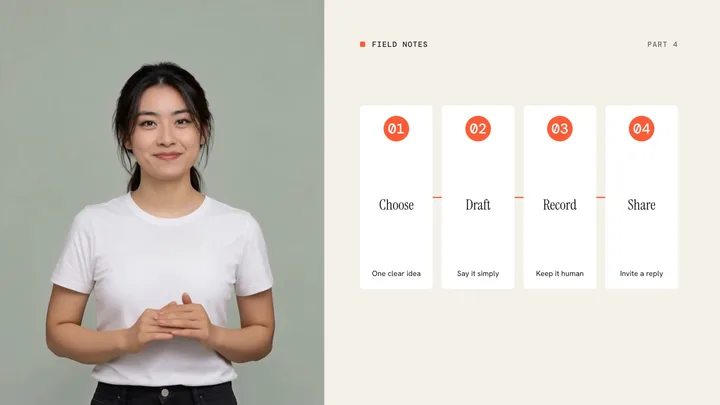
8 秒的口播插入畫面:一側是主持人,另一側五根長條依序長出、數值從 0 累加,接著其他長條退後、重點那根換成強調色,最後落下一句結論。數值與標籤都可換,主持人可用照片或自己的口播影片(保留原聲),三組配色或品牌色,本機輸出 16:9、9:16、1:1、4:5 的 4K 影片。
運作流程
- 安裝技能 · 安裝指南
- 執行你的需求 ·
/creator-split-bar-chart - 檢查成果
先閱讀 SKILL.md 的流程,再使用下方隨包提供的指令。
node -vnode scripts/check-setup.mjsnode scripts/create.mjs --out ./demonode scripts/render.mjs ./demo --output ./demo.mp4node scripts/create.mjs --out ./my-scene --data content.json --aspect 16:9 --theme paper-coral --host ./me.jpgnode scripts/render.mjs ./my-scene --check
工作目錄
references/defaults.jsonreferences/fill-in.jsonreferences/layout-rules.jsonreferences/project/index.htmlscripts/check-setup.mjsscripts/compose.mjsscripts/create.mjsscripts/host-frame.mjs
你會得到
- 16:9、9:16、1:1和4:5的可編輯8秒圖表場景,每個場景都有自己的佈局,所有標籤和值都在命名槽中
- 預設 4K MP4 (或 1080p)、任何時刻的劇照以及將您自己的談話鏡頭和聲音放入演示者面板的腳本
- 三個調色板加上任何品牌顏色、始終以您的精確值結束的計數器、文字適合檢查和視覺審查清單
執行需求
- 必要 · Node.js 22 或更新版本
- 必要 · Google Chrome、Chromium 或 Microsoft Edge
- 必要 · FFmpeg
- 選用 · HyperFrames CLI (透過 npx)
使用建議
主持人旁邊,五根長條長出來、數字跳動,再把重點那根點亮。
使用薄荷色調色板在 9:16 製作相同的圖表,並專注於 3 分鐘
將我的錄音 talk.mp4 從 2:10 開始放入示範者面板
開始之前
| 你需要提供 |
|
|---|---|
| 相依項目 |
|
| 外部費用 | 無外部服務費用 |
| 最近更新 | v1.0.2 · |
功能範圍以隨包提供的流程為準。