你的提示詞
將括號內的文字換成你的內容;選填項目可以省略。
/launch-pricing-toggle
Product name = 〔Product name — 最多 24 個字元〕
Website = 〔Website — 最多 30 個字元 — 選填〕
Headline = 〔Headline — 最多 44 個字元〕
Left switch label = 〔Left switch label — 最多 12 個字元 — 選填〕
Right switch label = 〔Right switch label — 最多 12 個字元 — 選填〕
Saving chip = 〔Saving chip — 最多 20 個字元 — 選填〕
Recommended badge = 〔Recommended badge — 最多 16 個字元 — 選填〕
Price unit = 〔Price unit — 最多 8 個字元 — 選填〕
Plan 1 name = 〔Plan 1 name — 最多 13 個字元〕
Plan 1 monthly price = 〔Plan 1 monthly price — 最多 5 個字元〕
Plan 1 yearly price = 〔Plan 1 yearly price — 最多 5 個字元〕
Plan 1 note = 〔Plan 1 note — 最多 19 個字元〕
Plan 2 name = 〔Plan 2 name — 最多 13 個字元〕
Plan 2 monthly price = 〔Plan 2 monthly price — 最多 5 個字元〕
Plan 2 yearly price = 〔Plan 2 yearly price — 最多 5 個字元〕
Plan 2 note = 〔Plan 2 note — 最多 19 個字元〕
Plan 3 name = 〔Plan 3 name — 最多 13 個字元〕
Plan 3 monthly price = 〔Plan 3 monthly price — 最多 5 個字元〕
Plan 3 yearly price = 〔Plan 3 yearly price — 最多 5 個字元〕
Plan 3 note = 〔Plan 3 note — 最多 19 個字元〕
顏色 = 〔顏色 — graphite (dark neutral, lime) / midnight (dark violet-blue) / porcelain (light, cobalt) — 選填〕
品牌色 = 〔品牌色 — 選填〕
Video shape = 〔Video shape — landscape 16:9 (YouTube, screens) / vertical 9:16 (Reels, Shorts, TikTok) / square 1:1 / 4:5 (Instagram feed) — 選填〕
影片解析度 = 〔影片解析度 — 1080p / 4K — 選填〕
不知道怎麼填?可以說:先做一個範例給我看
範例
/launch-pricing-toggle
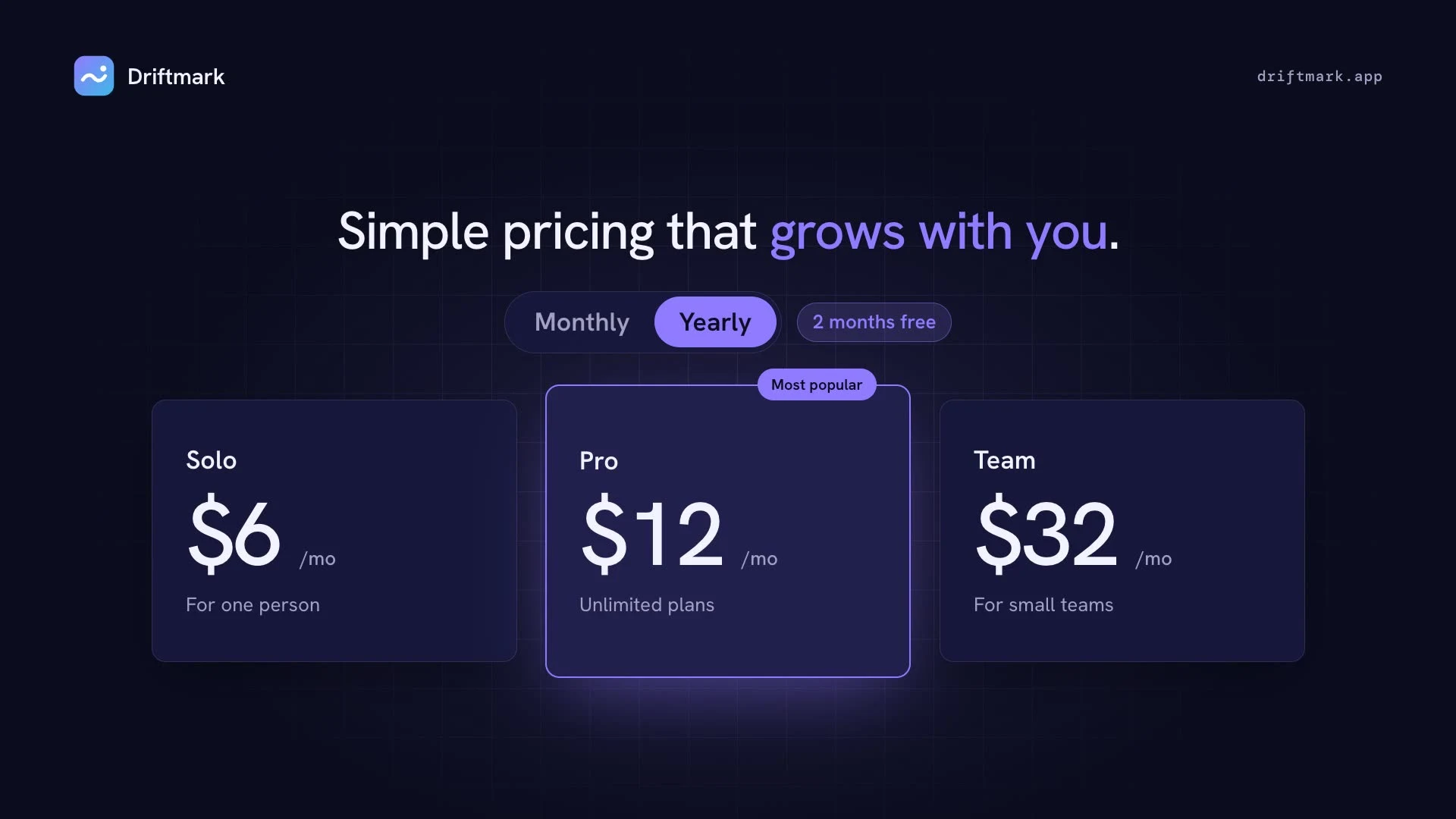
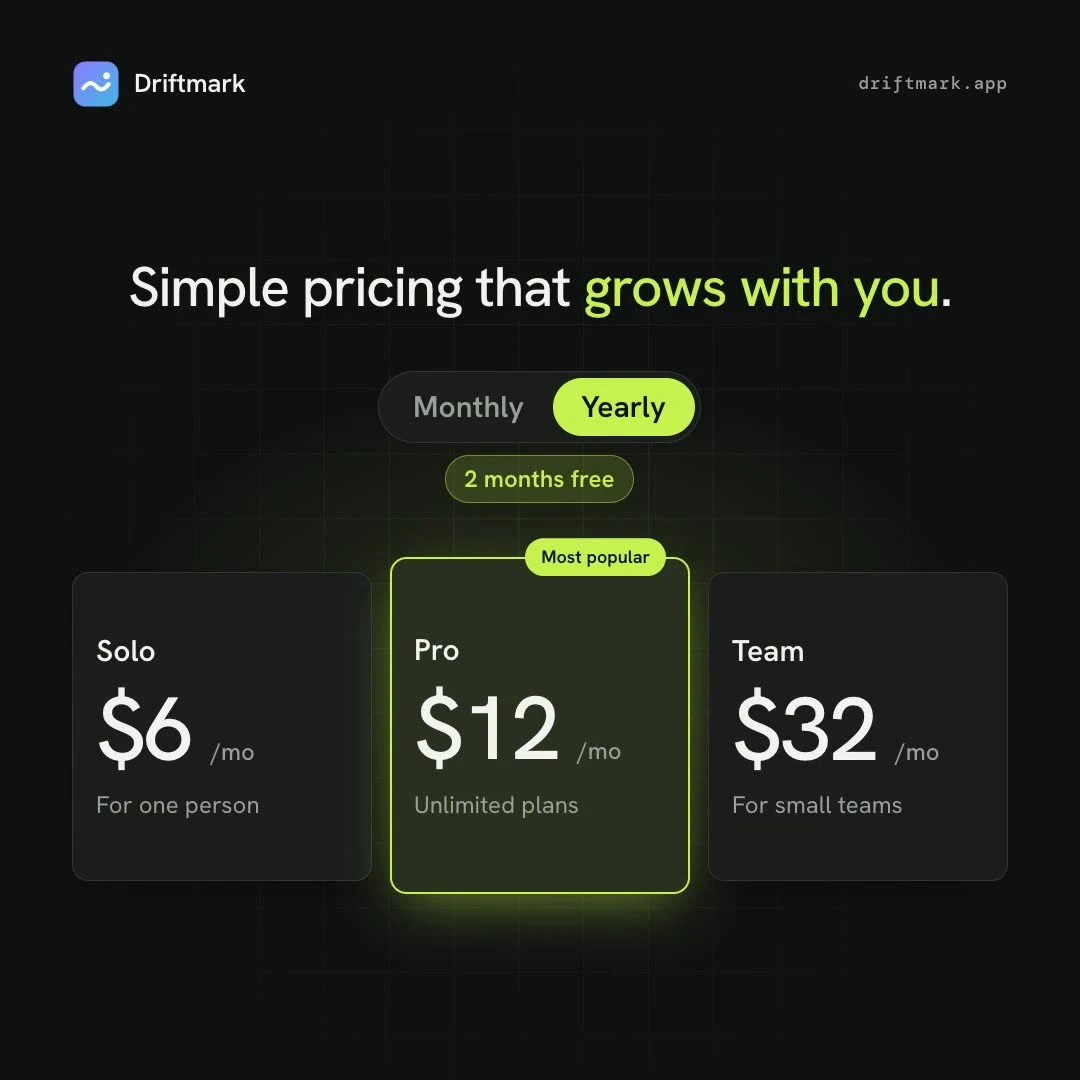
Product name = Driftmark
Website = driftmark.app
Headline = Simple pricing that [[grows with you]].
Left switch label = Monthly
Right switch label = Yearly
Saving chip = 2 months free
Recommended badge = Most popular
Price unit = /mo
Plan 1 name = Solo
Plan 1 monthly price = $8
Plan 1 yearly price = $6
Plan 1 note = For one person
Plan 2 name = Pro
Plan 2 monthly price = $16
Plan 2 yearly price = $12
Plan 2 note = Unlimited plans
Plan 3 name = Team
Plan 3 monthly price = $40
Plan 3 yearly price = $32
Plan 3 note = For small teams
顏色 = midnight-aurora
品牌色 = #1E3A8A
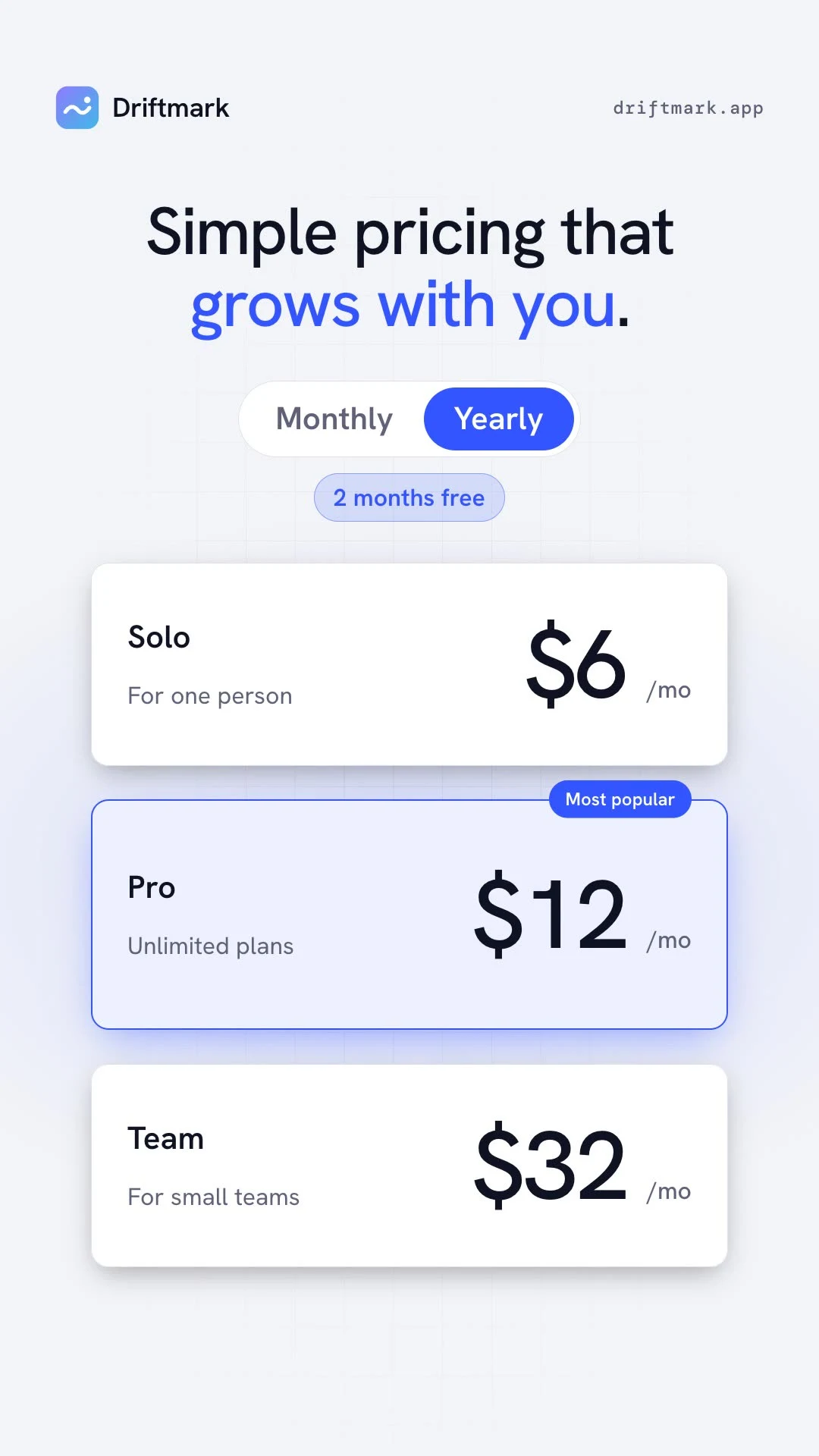
Video shape = 16:9
影片解析度 = 4K
月付年付價格切換發表
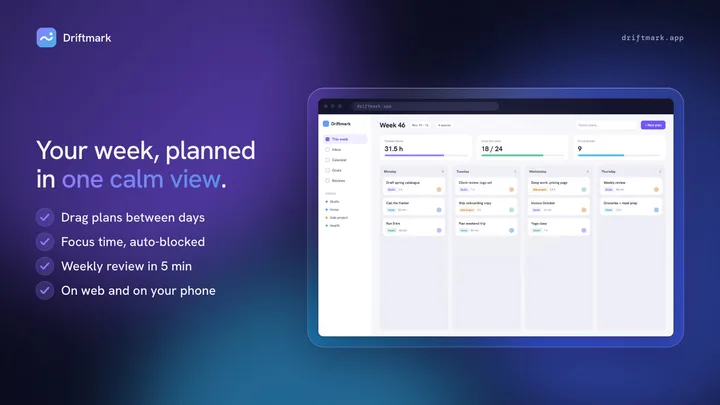
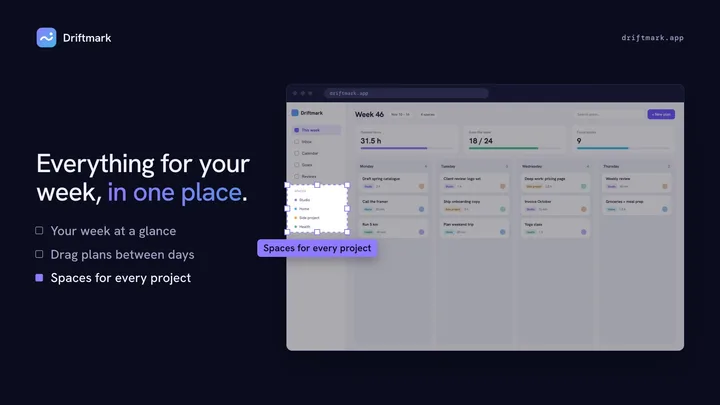
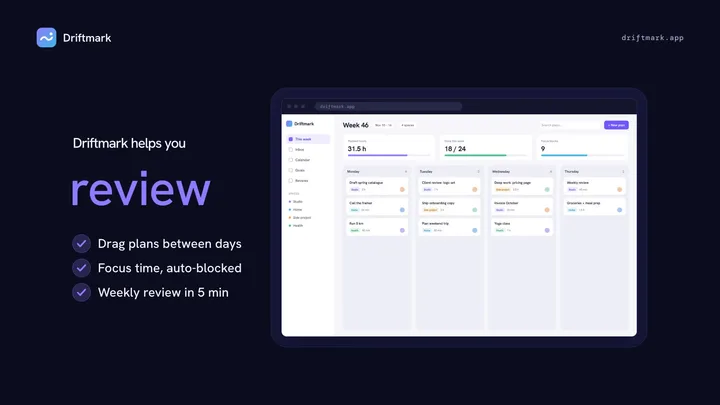
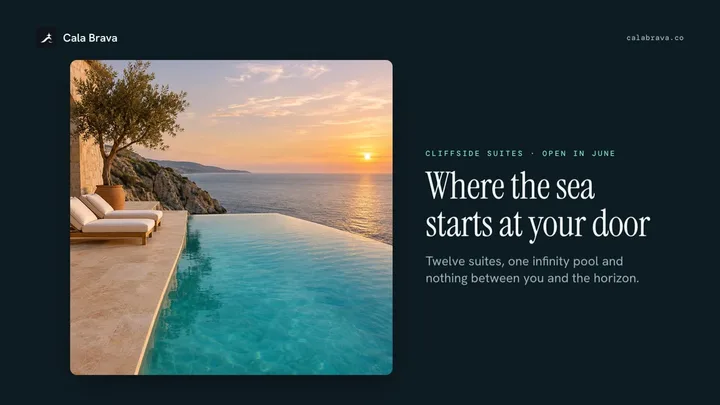
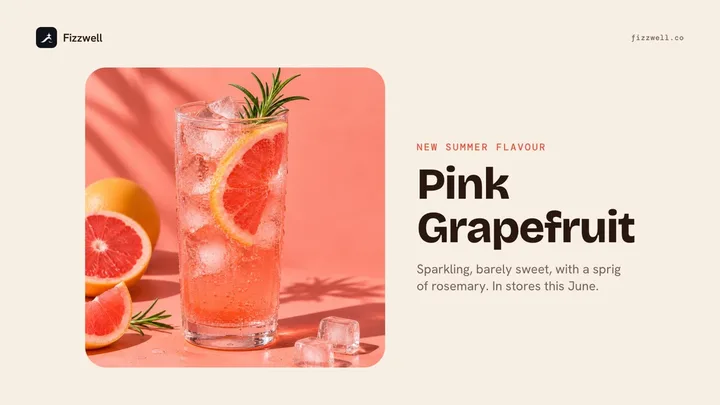
發表片裡講價格的 8 秒段落:三張方案卡逐張浮起、中間推薦方案高亮,月付/年付開關滑過去,每個價格逐位滾到年付價,省錢小標籤彈出。換上自己的 Logo、產品名、網址、方案名、價格與一句說明,三組配色或品牌色,本機輸出 16:9、9:16、1:1、4:5 的 4K 影片。
運作流程
- 安裝技能 · 安裝指南
- 執行你的需求 ·
/launch-pricing-toggle - 檢查成果
先閱讀 SKILL.md 的流程,再使用下方隨包提供的指令。
node -vnode scripts/check-setup.mjsnode scripts/create.mjs --out ./demonode scripts/render.mjs ./demo --output ./demo.mp4node scripts/create.mjs --out ./my-scene --data content.json --logo ./logo.svg --aspect 16:9 --theme midnight-auroranode scripts/render.mjs ./my-scene --check
工作目錄
references/defaults.jsonreferences/fill-in.jsonreferences/layout-rules.jsonreferences/project/index.htmlscripts/check-setup.mjsscripts/create.mjsscripts/hyperframes.mjsscripts/layout-guard.mjs
你會得到
- 可編輯的16:9、9:16、1:1和4:5的8秒價格場景,每個場景都有自己的佈局;計劃、價格、註釋、開關標籤、將晶片和徽章儲存在指定插槽中
- 根據您的月度和年度數字構建的逐位滾動價格,任何貨幣符號,最多 4 位
- 預設 4K MP4 (或 1080p)、任何時刻的劇照、三個調色板加上任何品牌顏色、文字適合和佈局檢查以及視覺審查清單
執行需求
- 必要 · Node.js 22 或更新版本
- 必要 · Google Chrome、Chromium 或 Microsoft Edge
- 必要 · FFmpeg
- 選用 · HyperFrames CLI (透過 npx)
使用建議
三張方案卡浮起,開關滑到年付,每個價格逐位滾動到新數字。
使用瓷鈷調色盤製作 9:16 和 1:1 的相同剪輯
使用歐元價格並將重音切換為
開始之前
| 你需要提供 |
|
|---|---|
| 相依項目 |
|
| 外部費用 | 無外部服務費用 |
| 最近更新 | v1.0.2 · |
功能範圍以隨包提供的流程為準。